Complexity
A marketer checking results between meetings needs the answer in seconds. An analyst wants every dimension of it.


I led UX/UI design for tinyEmail and tinyAlbert, connecting research, onboarding, campaign workflows and a shared design system. The two products serve 12,000+ teams, with clear controls for manual campaigns and AI automation.
The challenge
tinyEmail gives marketers direct control over campaigns. tinyAlbert automates campaign decisions. The UX needed to make both approaches understandable, connect them through one design system and help new users send their first campaign.
A marketer checking results between meetings needs the answer in seconds. An analyst wants every dimension of it.
Two products, two teams, two release cycles. Without a shared foundation they drift apart within months.
Most sign-ups never sent a first campaign. Everything downstream depended on the first fifteen minutes.
Process
Support requests and funnel data showed where marketers needed help. I used that evidence to shape onboarding, campaign workflows and the design system.
Compared support requests with drop-off data and mapped the findings in FigJam. This connected specific interface problems with the points where users abandoned a flow.
Explored flows in Figma and tested interactive prototypes through an A/B split. Early iterations helped resolve the onboarding sequence before visual design.
Created shared components and Figma variables for both brands. Checked contrast with Stark against WCAG and documented interaction, loading and error states.
Used Figma Dev Mode and live walkthroughs to support four developers. Reviewing the implementation connected the intended UX with the behaviour of the built product.
Key decisions
I led research, UX flows, wireframes and the shared design system with a PM and four developers. The work connected a conventional email platform with an AI agent while keeping actions, outcomes and user controls understandable.
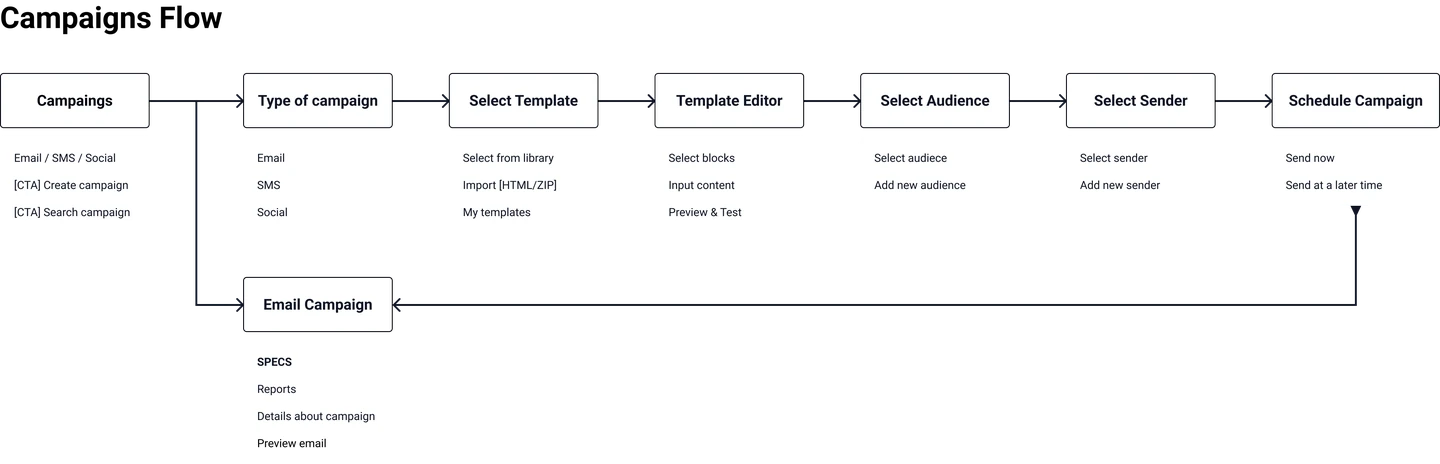
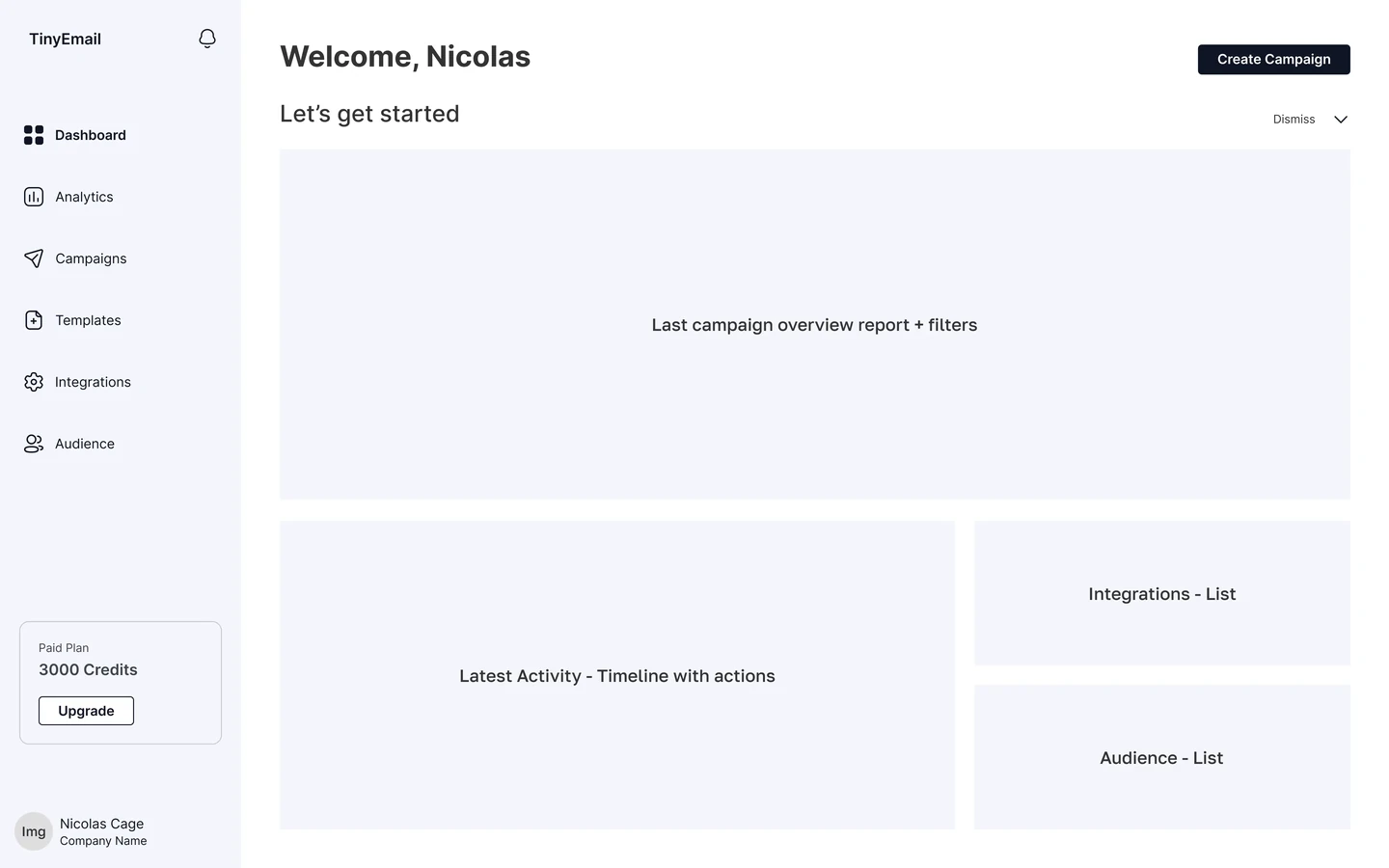
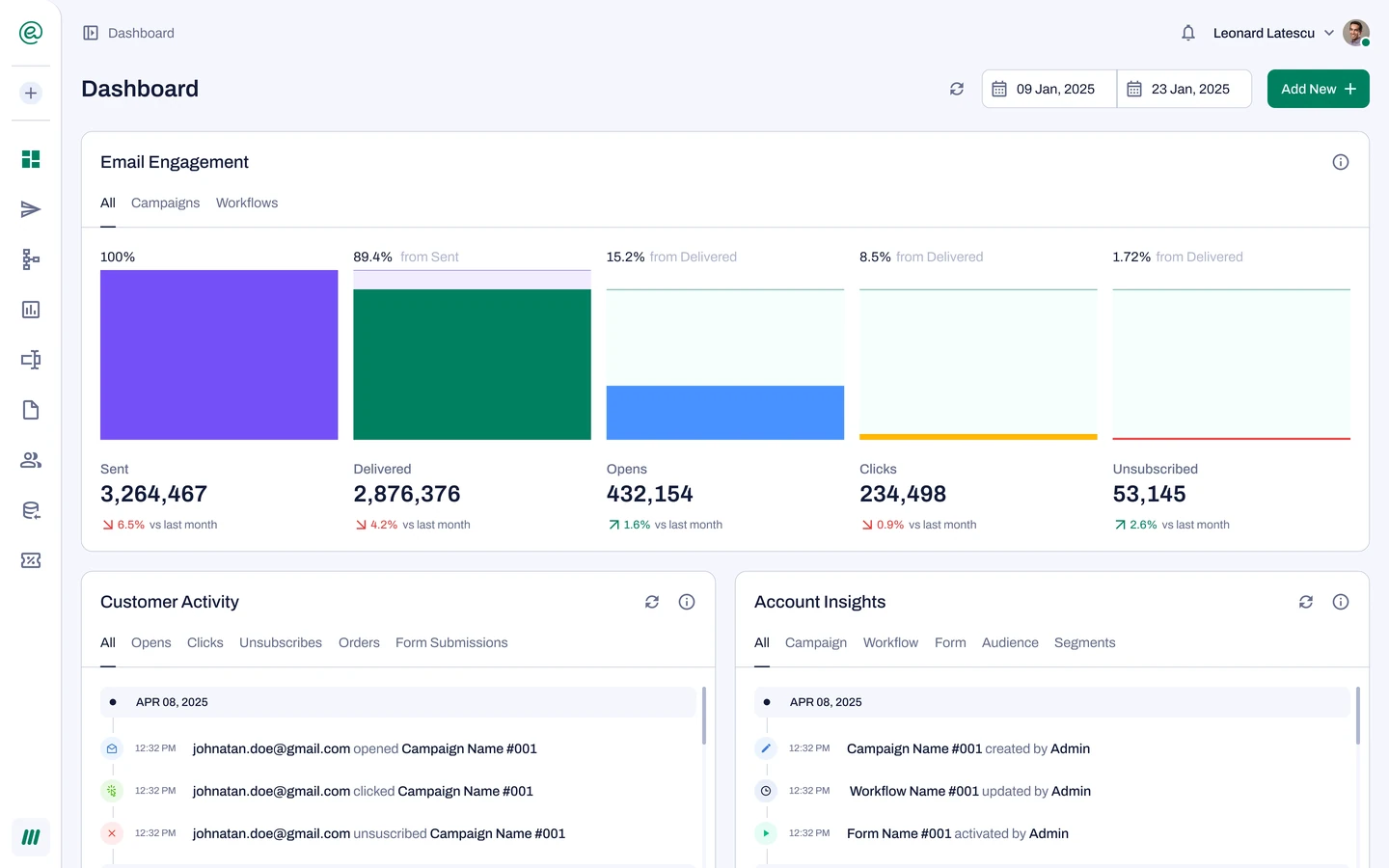
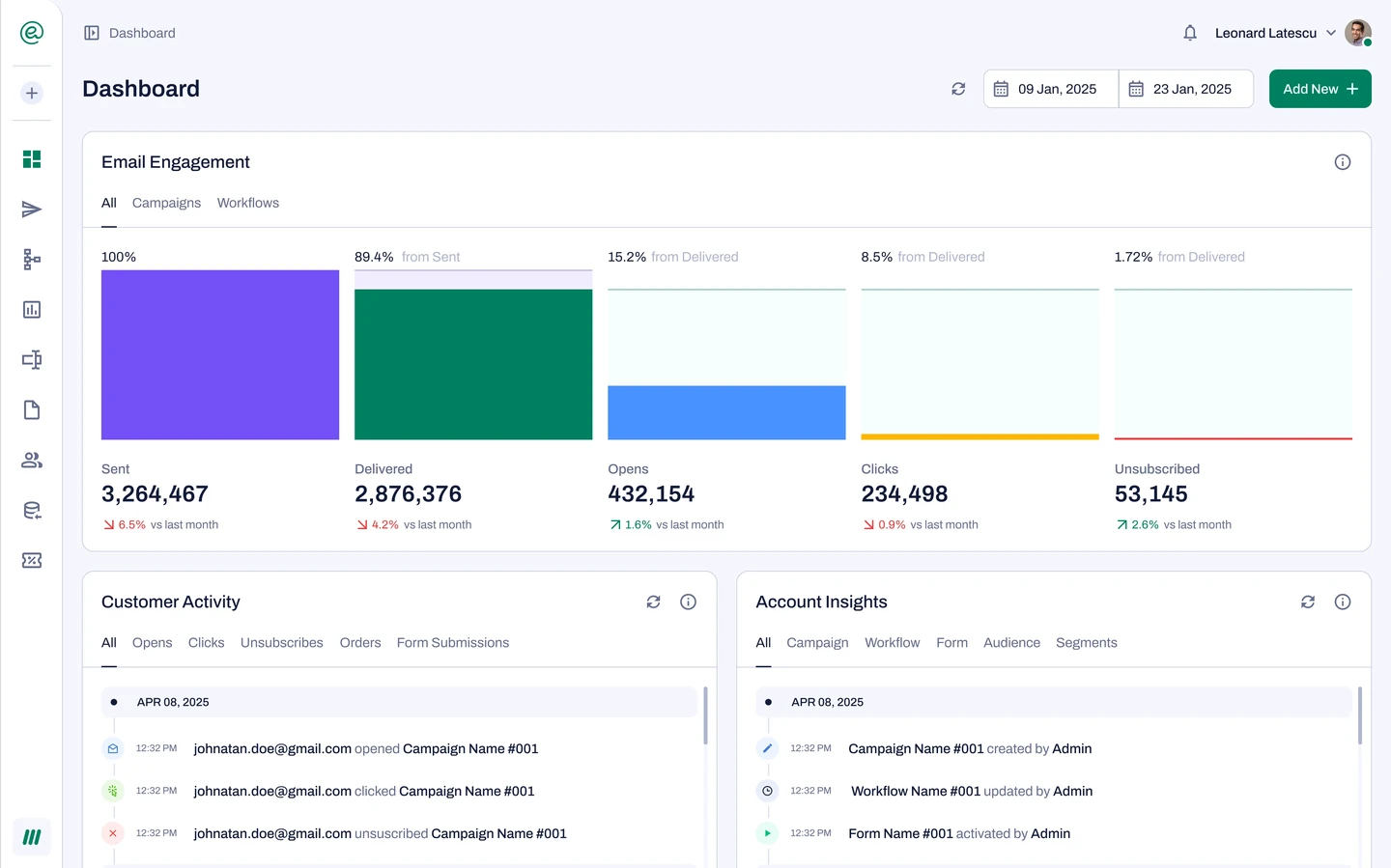
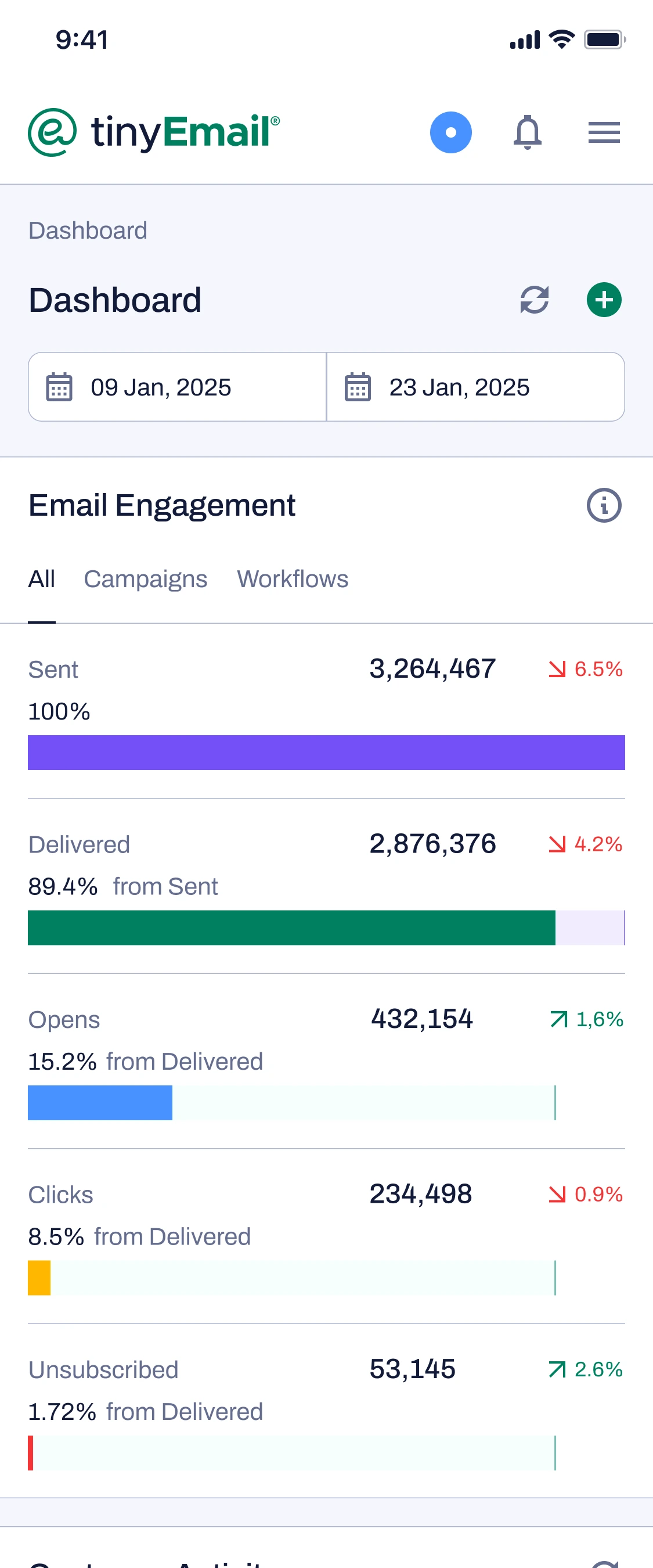
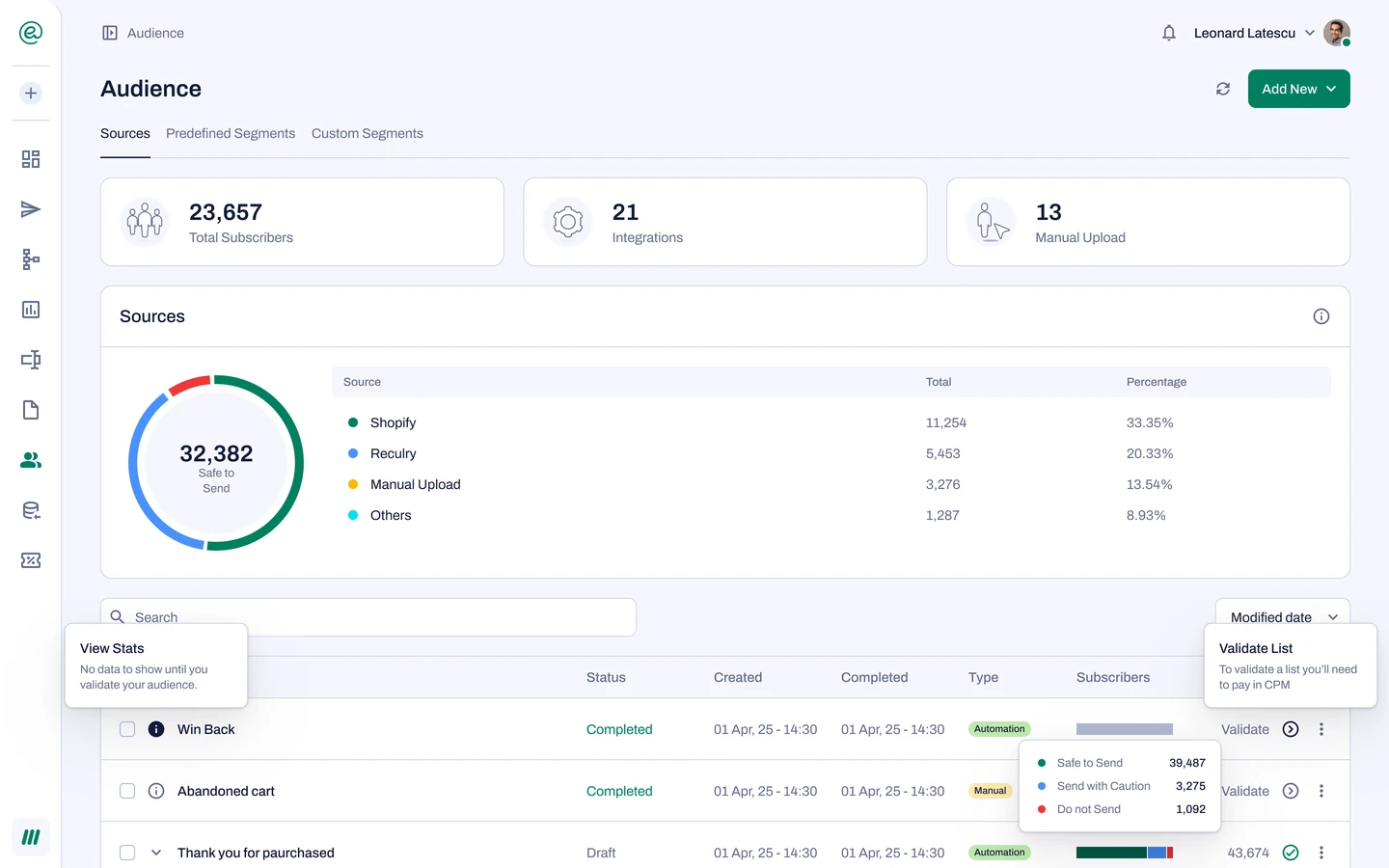
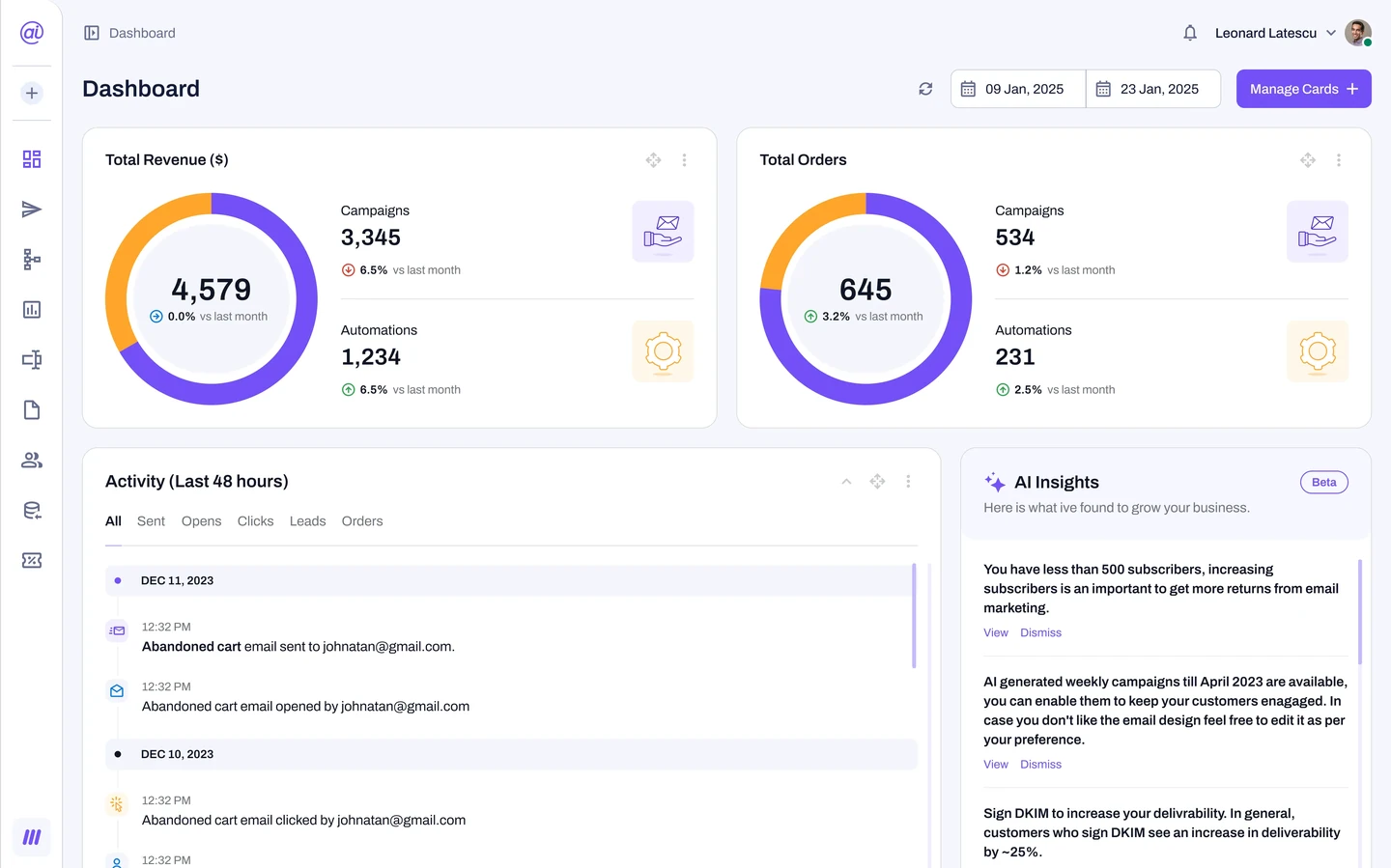
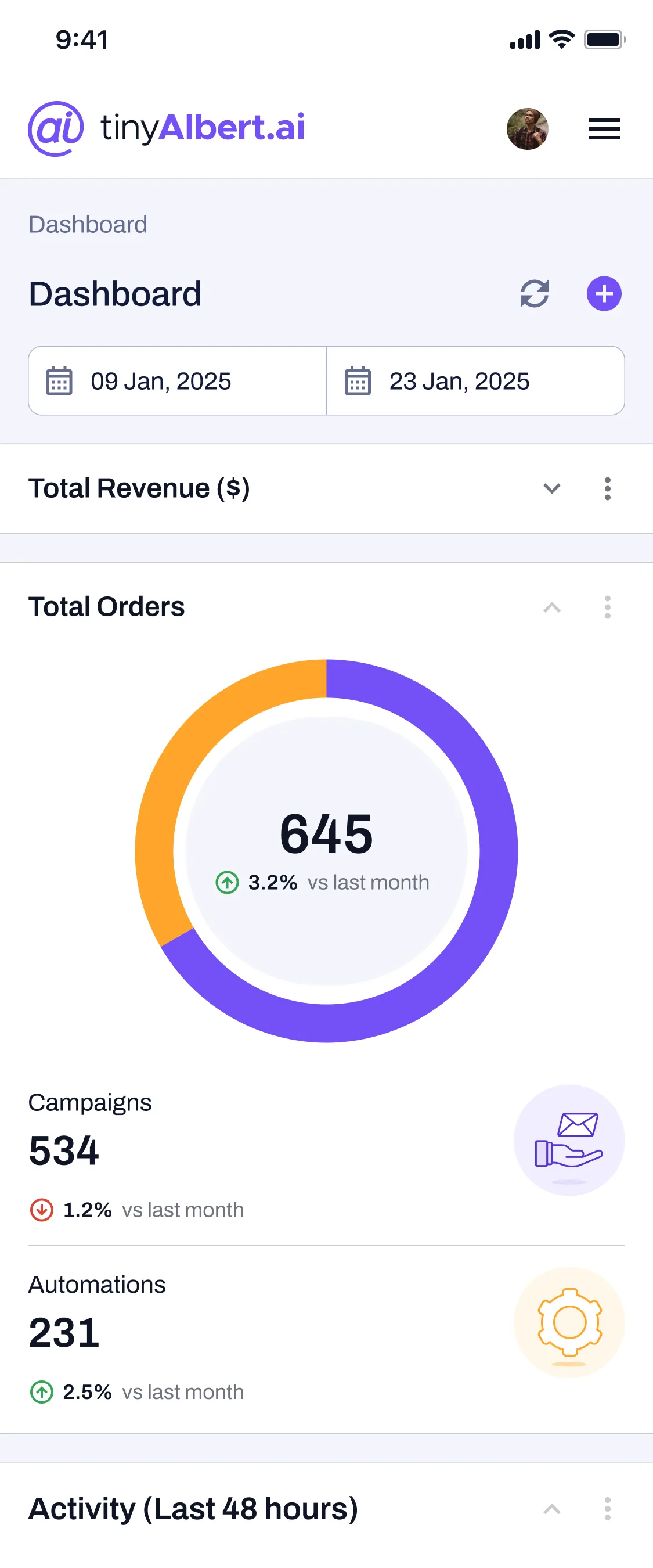
Mapped the campaign flow, then set the dashboard's hierarchy in wireframes: decision-driving metrics on top, the rest one level down, so performance reads at a glance. The cost is depth: more screens to move through.
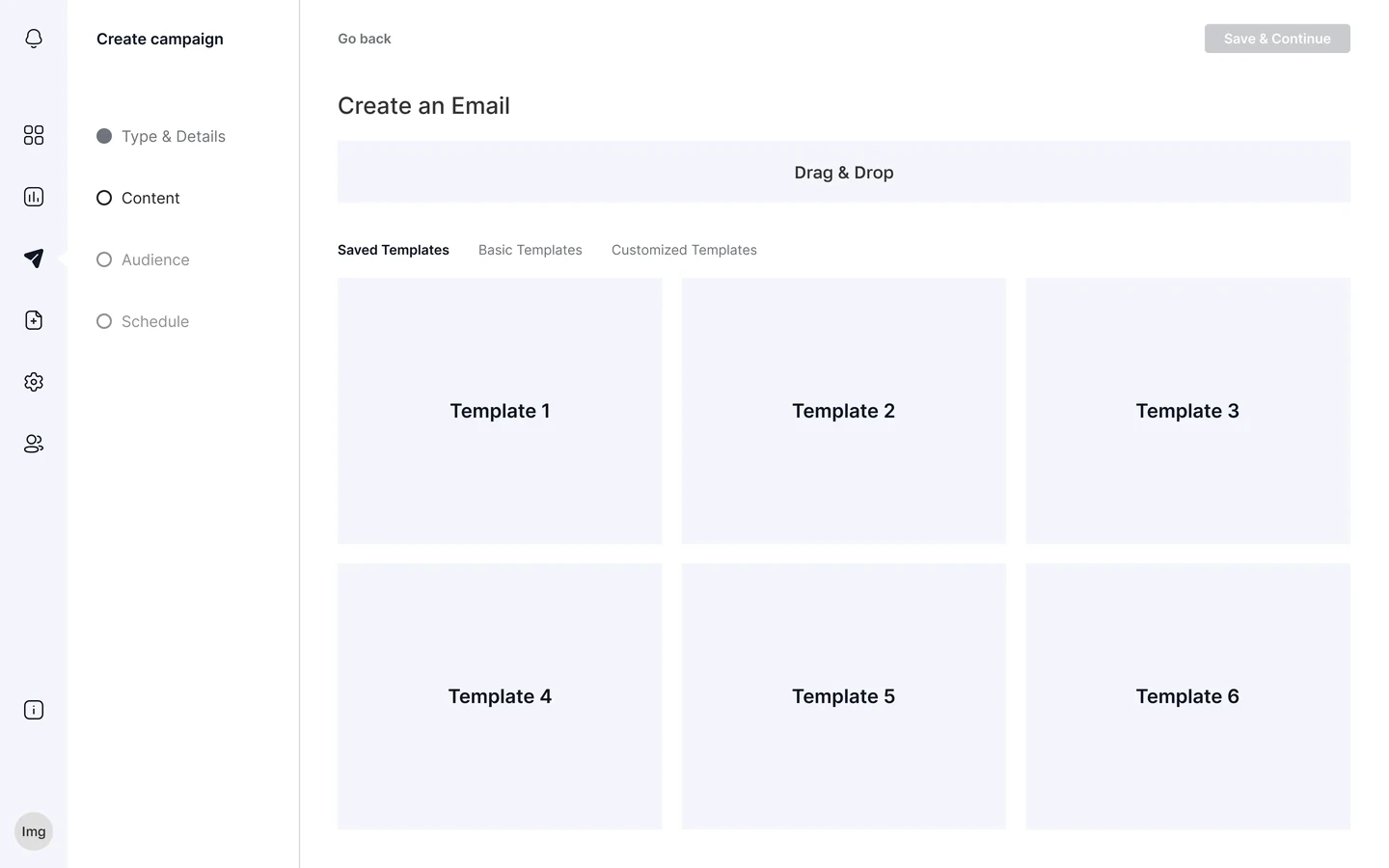
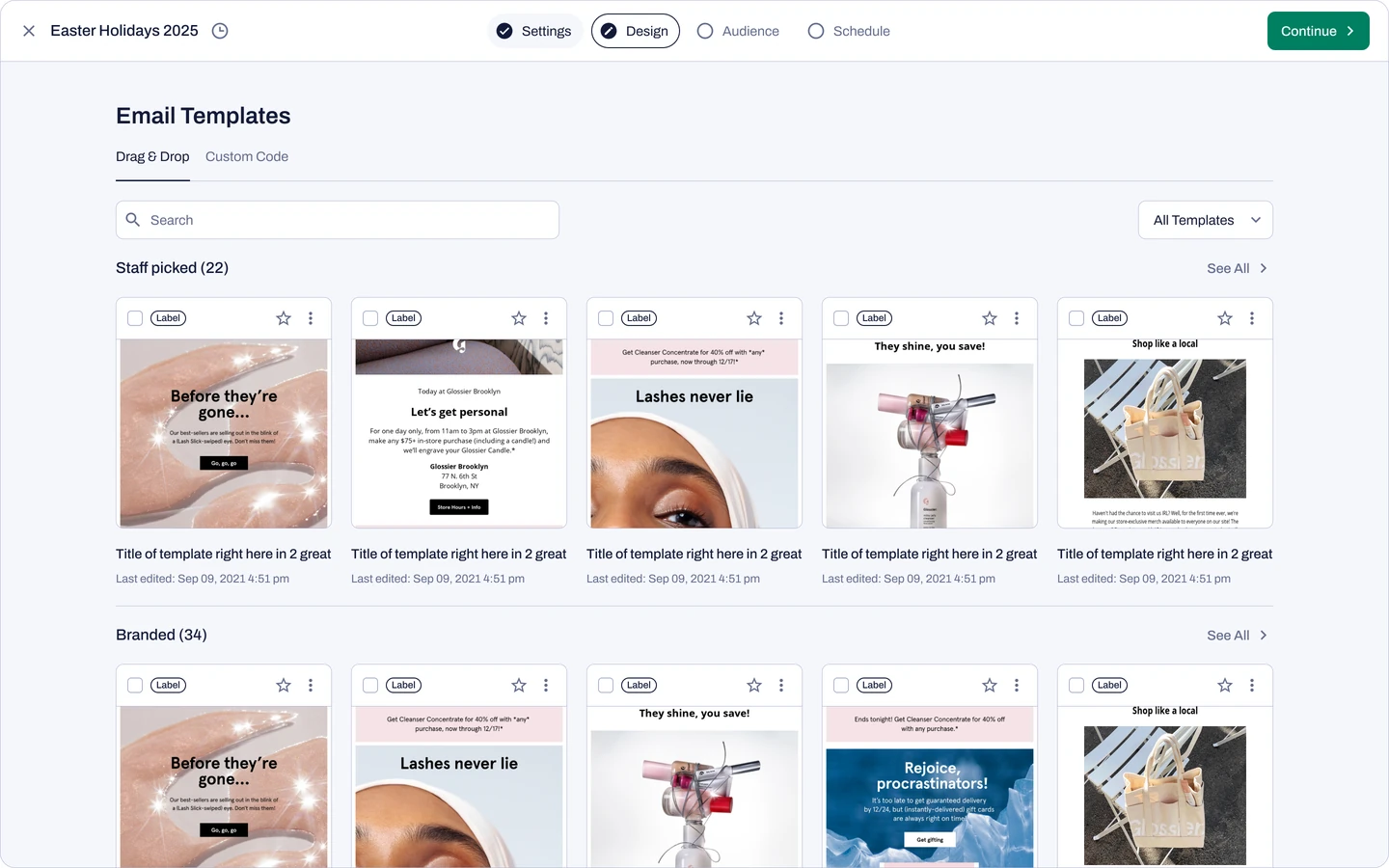
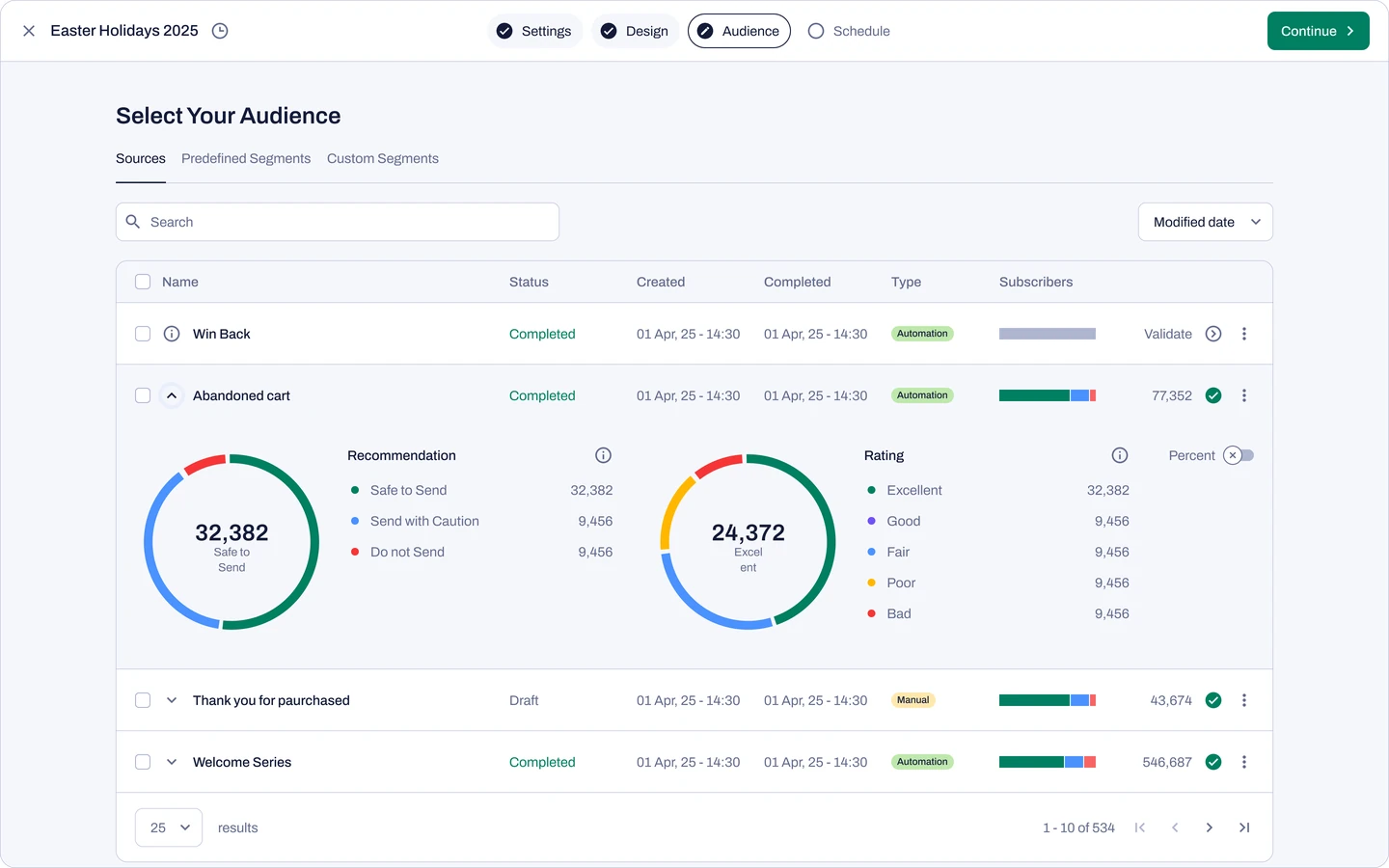
A four-step wizard takes users from Settings to Design, Audience and a preflight checklist, so the first campaign ships in minutes, not days. The business pushed back: any step before value reads as friction. Each one had to earn its place.
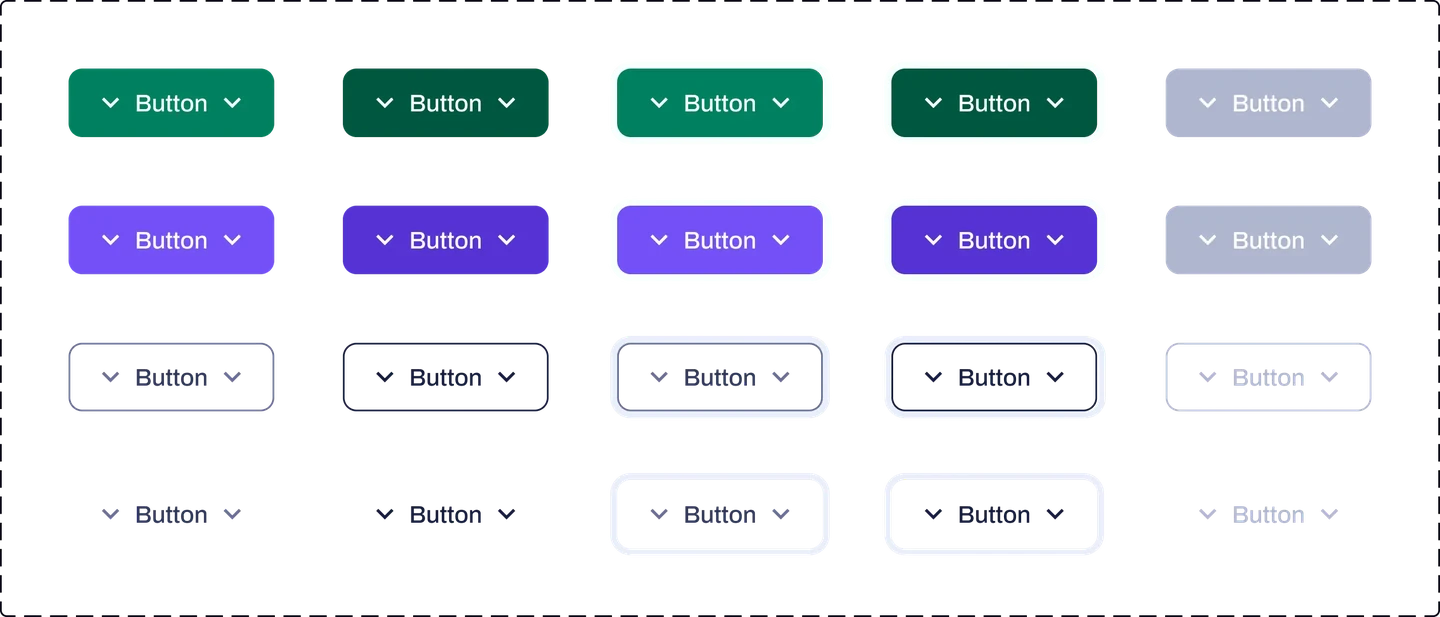
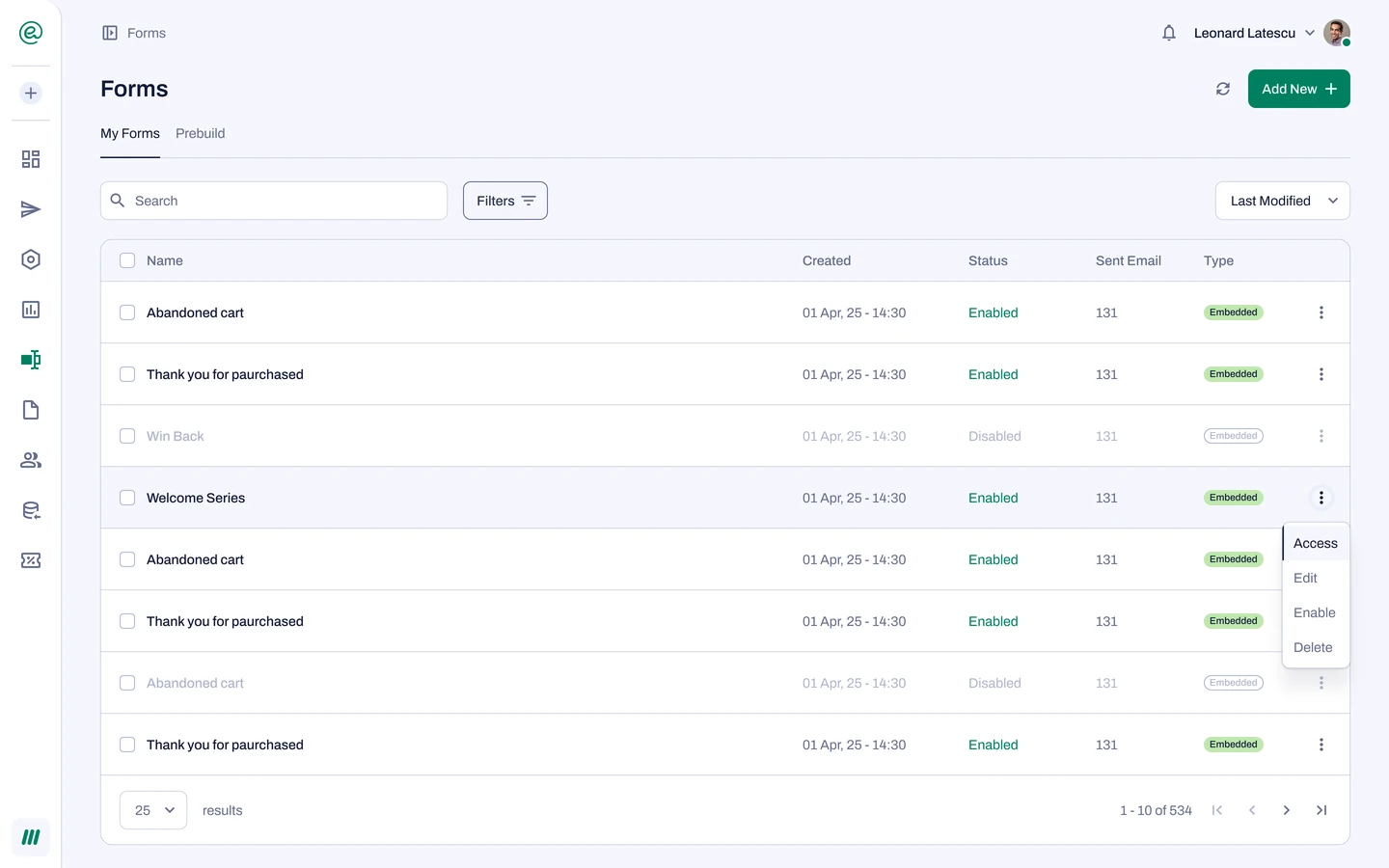
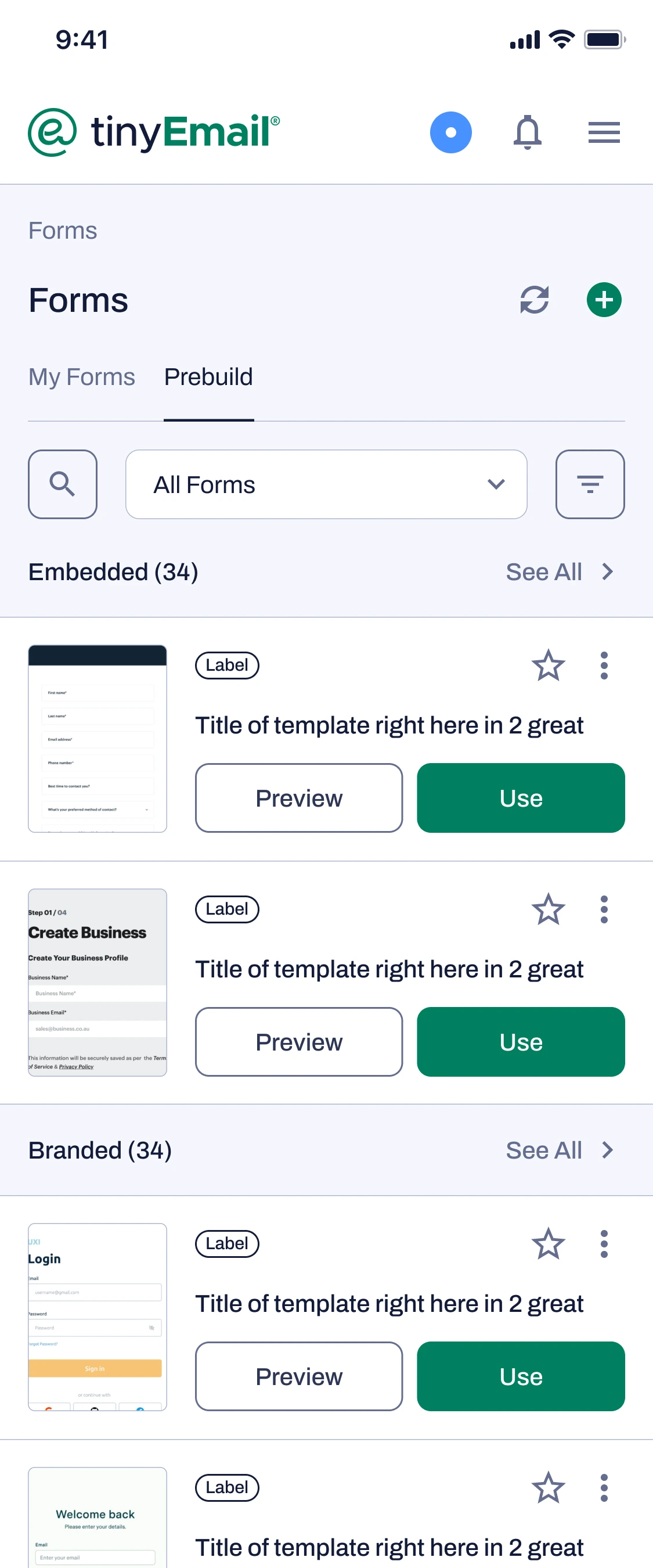
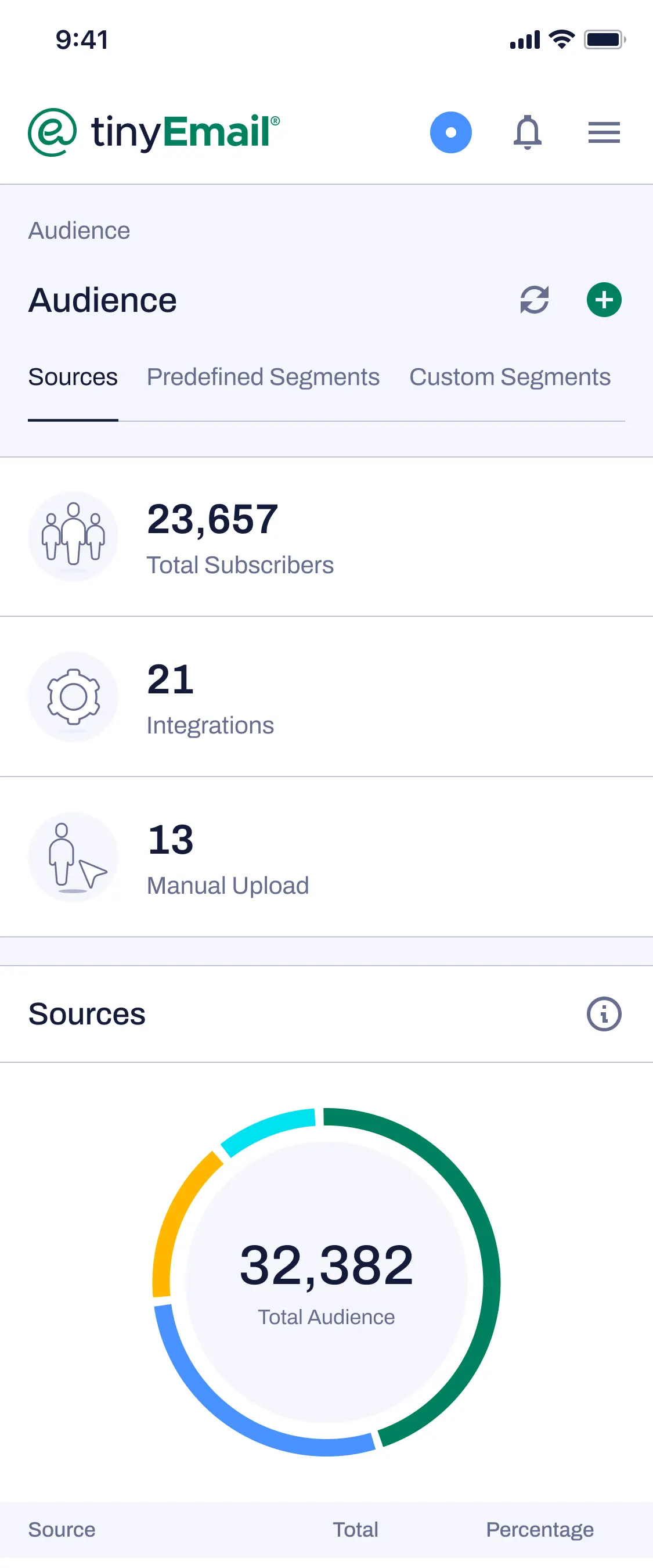
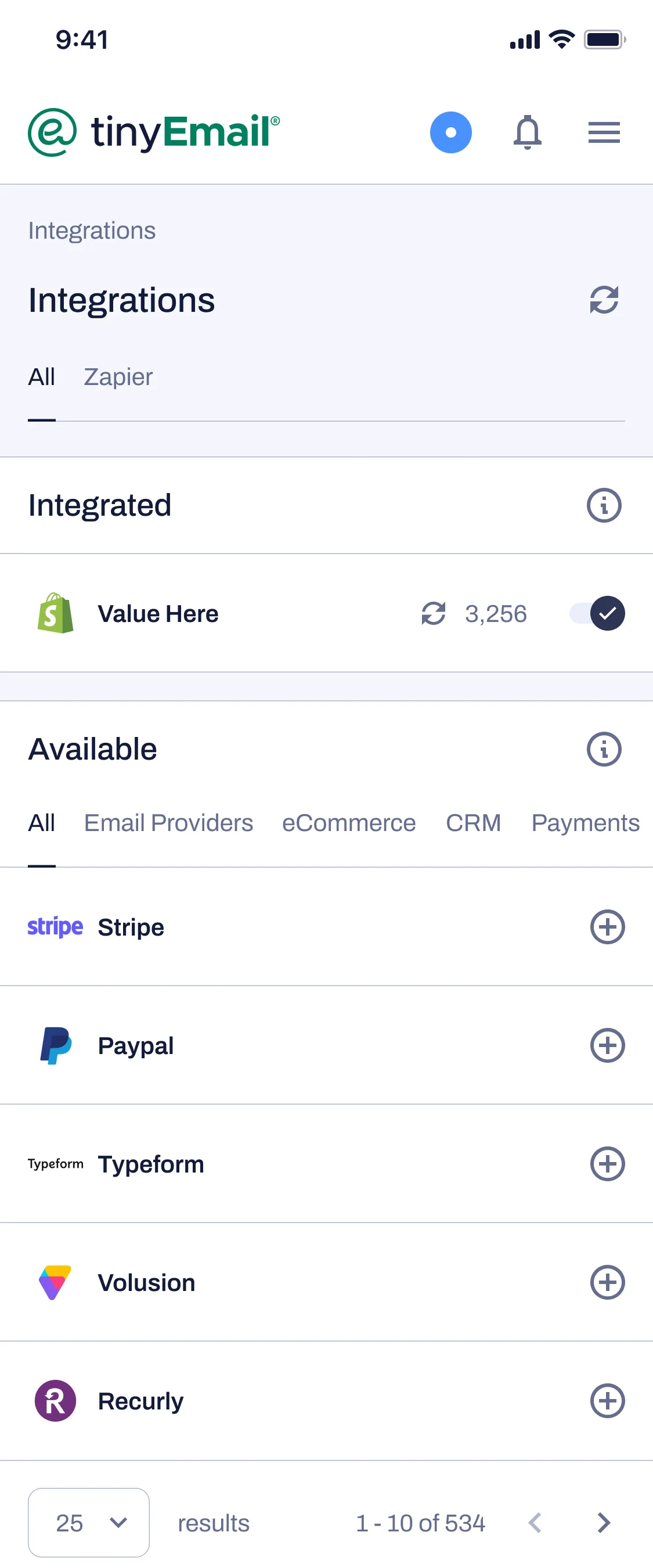
Built tinyEmail and tinyAlbert on one component library, so moving between them feels continuous rather than like two different tools. It bought consistency with time: weeks on states and variables instead of shipping features.
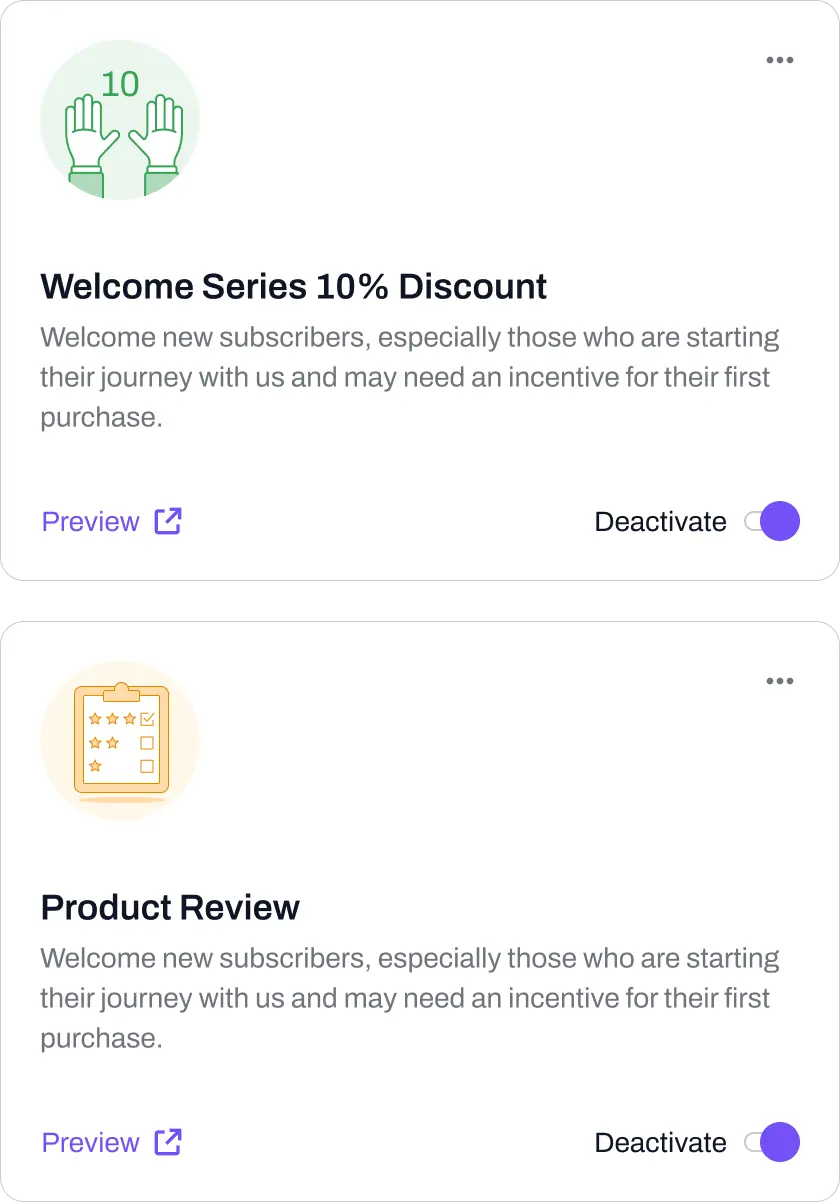
An activity feed for what it sent, attributed revenue for whether it worked, and a switch on every flow, so trust could start with one and stop mid-flight. Trust cost time: that much control makes setup longer than a single button would.
Results
The system now ships across two products sending over 100 million emails a day, for customers ranging from Mercedes-Benz, Reebok and Nine West to solo Shopify stores. tinyAlbert, the newer of the two, reached 4,000 brands and a 4.9 rating on the Shopify App Store in under a year, for a product people had to trust before they would let it email anyone.
Onboarding completion and time to launch were measured in usability testing, before and after the redesign. The shared-component figure comes from the front-end codebase. Team and volume numbers are tinyCo's own published figures.

Reflection
AI automation needs clear controls, visible activity and a design system the team can keep building on.
Next, I would compare three- and four-step onboarding flows. Completion improved in the redesign, but that alone does not establish which sequence gets users to their first campaign fastest.