Variety
Every document arrives in a different layout, and the system has to find the right fields anyway, without a template per sender.


I led UX/UI design for Portal and Apollo, connecting AI document extraction with human review. Source-linked fields, clear processing states and a shared design system help enterprise teams verify data before using it.

The challenge
Enterprise teams receive invoices, transport papers and contracts in many layouts. Apollo extracts the data; the interface needs to show its source, make corrections straightforward and help people decide when the output is ready to use.
Every document arrives in a different layout, and the system has to find the right fields anyway, without a template per sender.
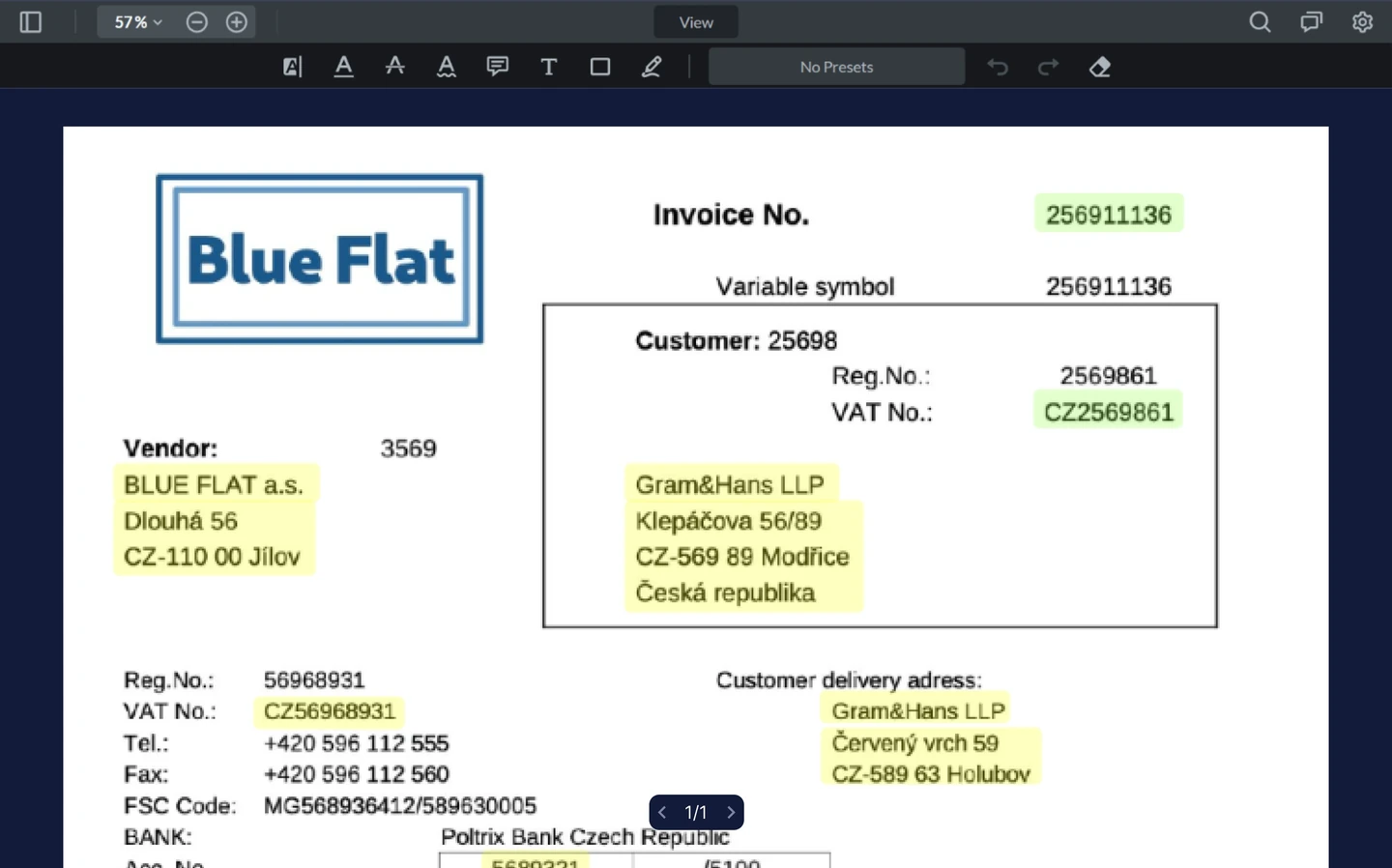
People will not act on extracted data they cannot check against the original, so every field has to be traceable to where it came from.
The output has to be legible to a warehouse clerk on a deadline, not just to the developer who built the extraction pipeline.
Process
The extraction pipeline existed. My work focused on the experience around it: understanding the output, verifying fields and correcting mistakes.
Observed document-entry work, reviewed support requests and ran unmoderated tests in Maze. Tracing each extracted field back to the original document became a central UX requirement.
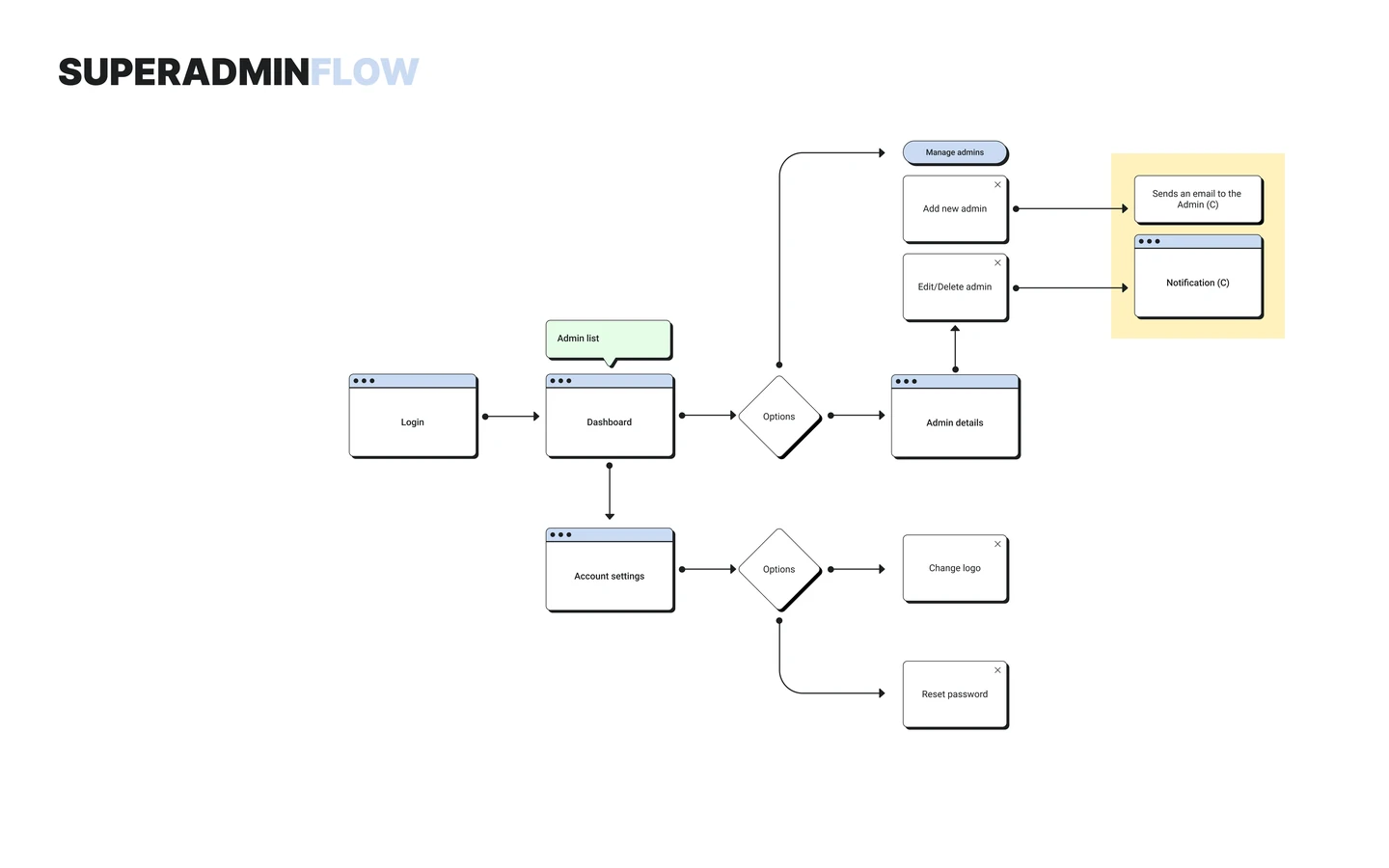
Prototyped the validation flow in Figma and tested it with scanned documents. This helped refine the balance between the source page, extracted fields and correction controls.
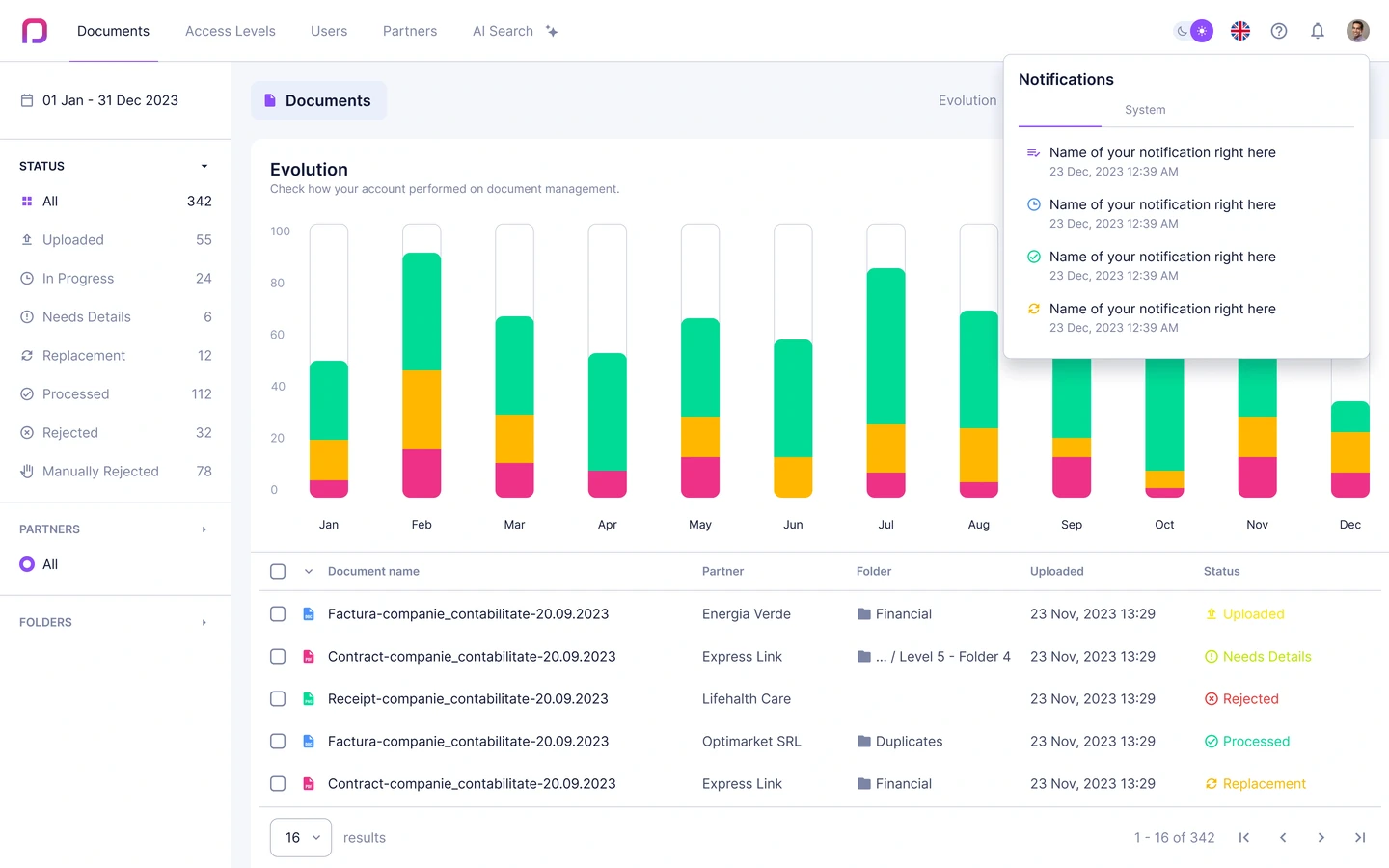
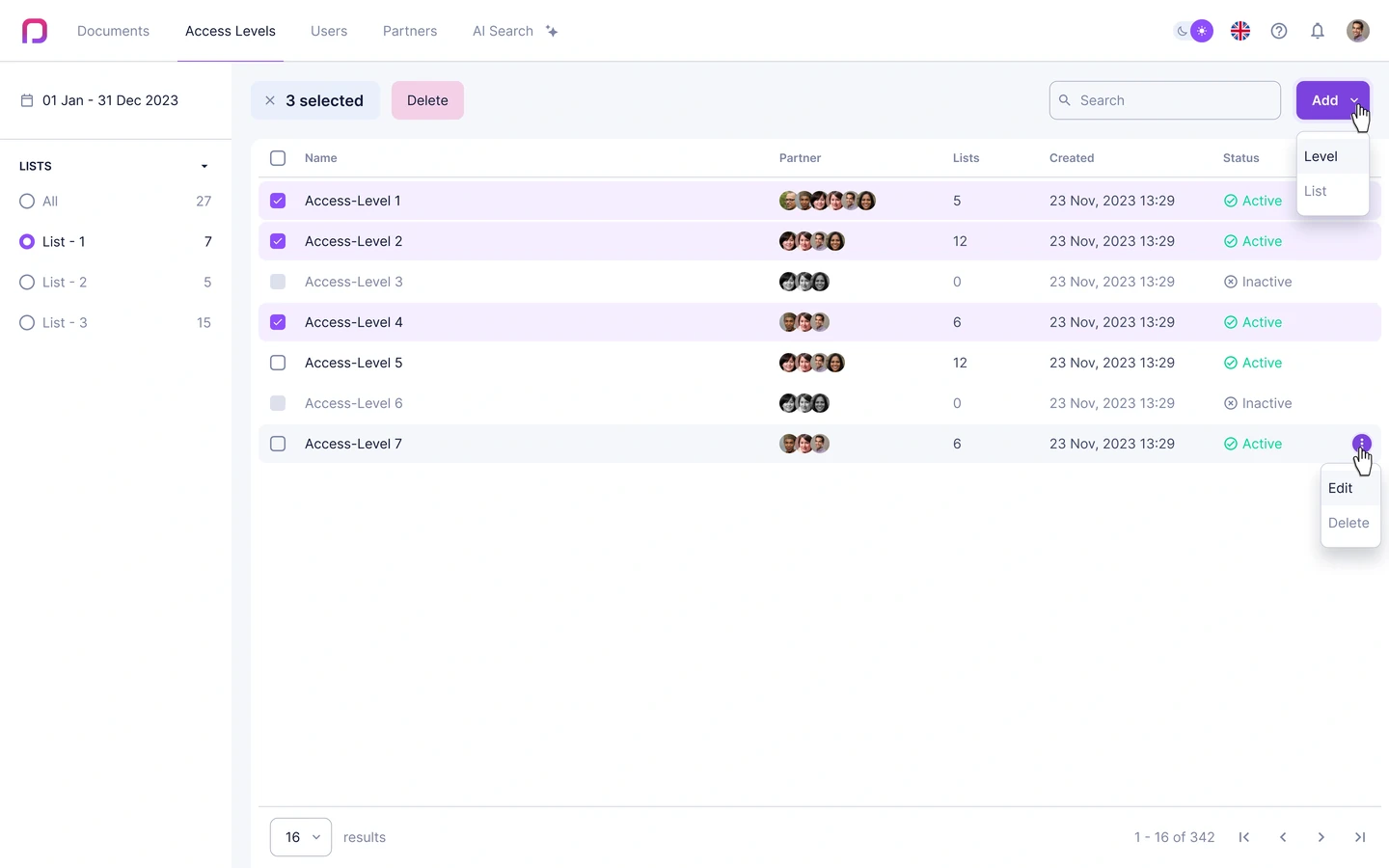
Created shared components and Figma variables for Portal and Apollo, including light and dark themes. Documented states so both products could evolve from the same UI foundation.
Used Storybook, developer walkthroughs and implementation reviews to connect component behaviour with the design. The team could inspect states in context rather than interpret static screens.
Key decisions
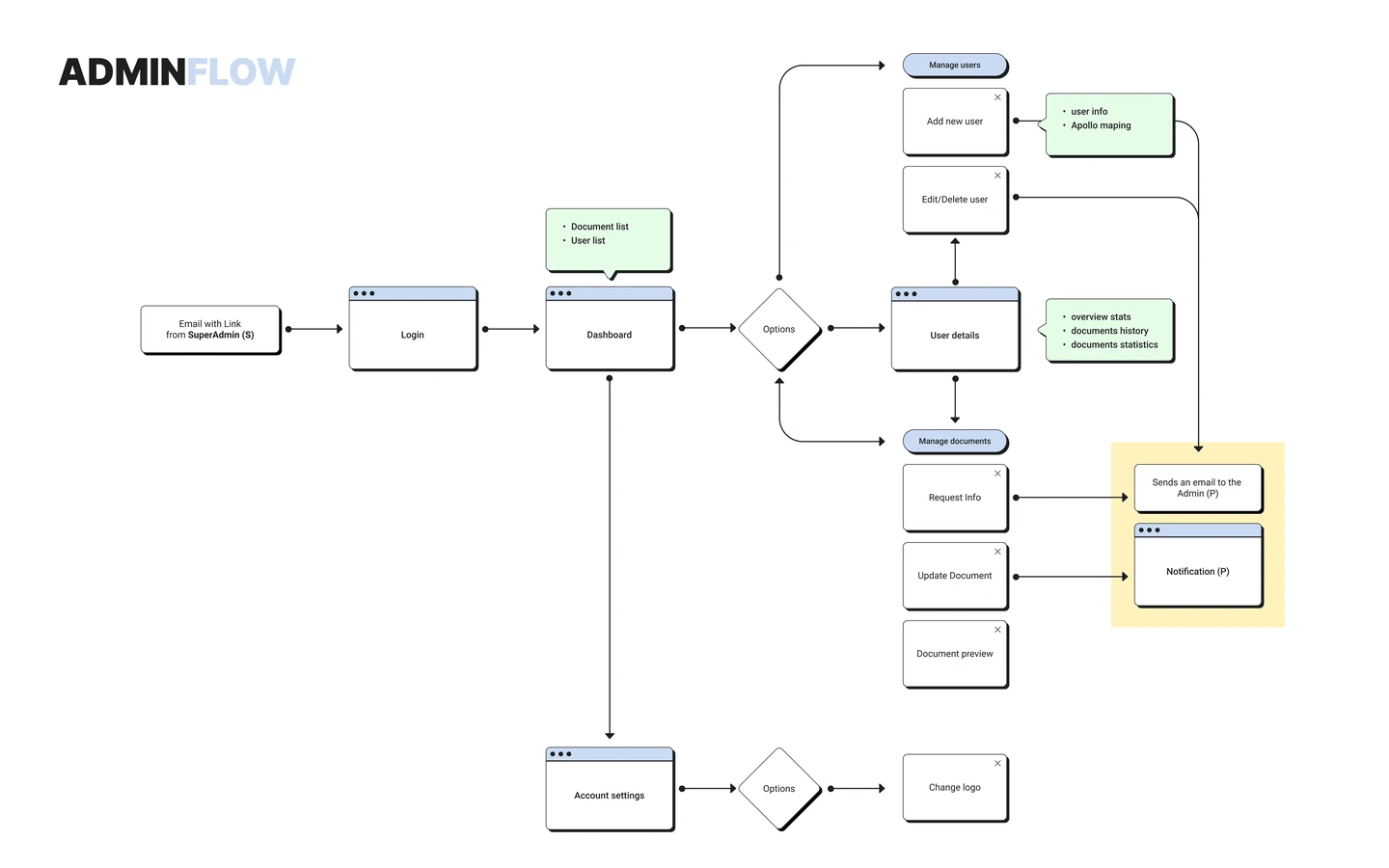
I led design across Portal and Apollo with a PM, four developers and the owner. The focus was human-in-the-loop automation: make AI output traceable, corrections clear and document status easy to understand.
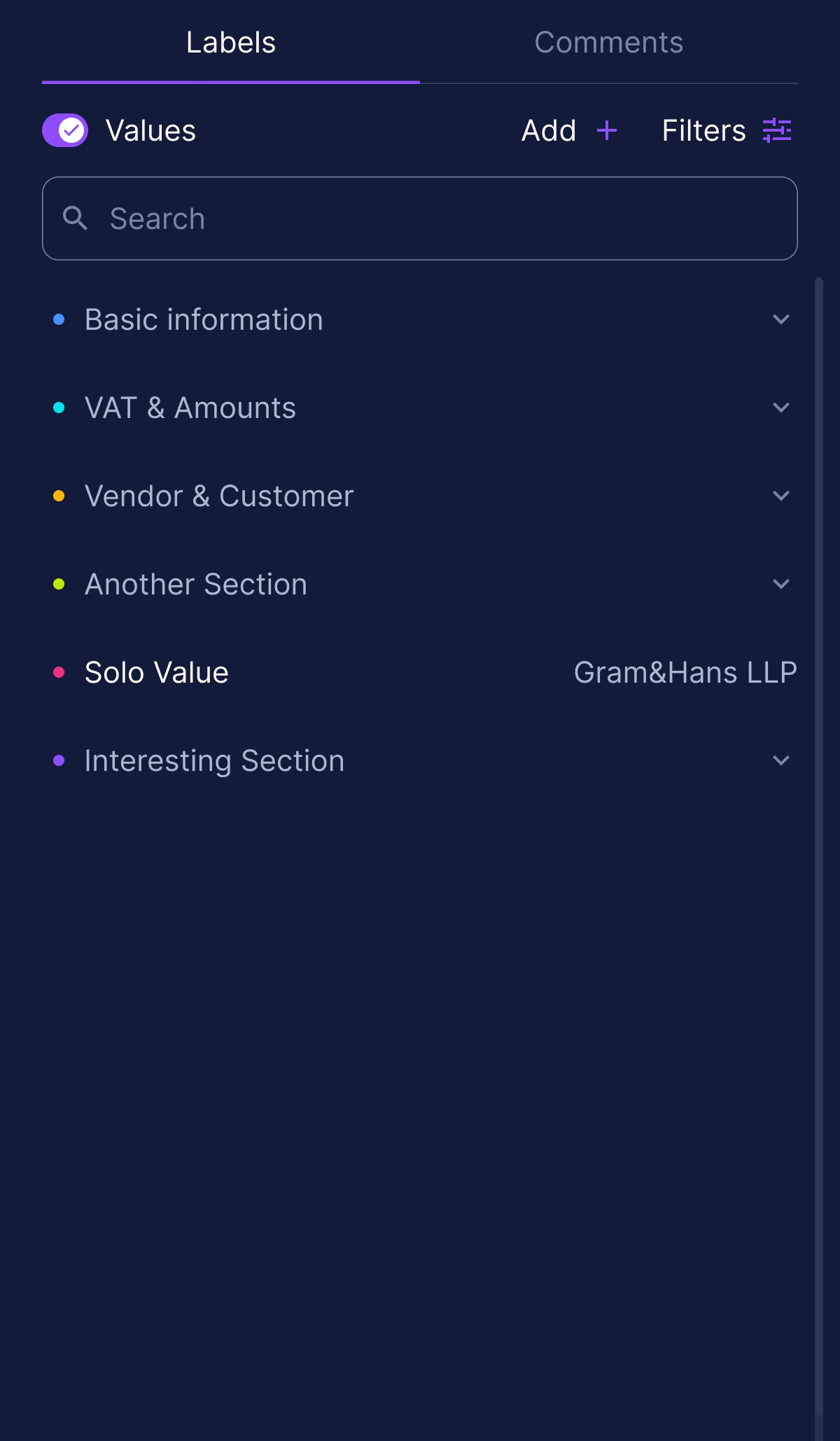
Kept the scanned document visible with every field anchored to where it was read from, so a check takes one glance whatever the layout. The cost is space: the split view leaves less room for the data.
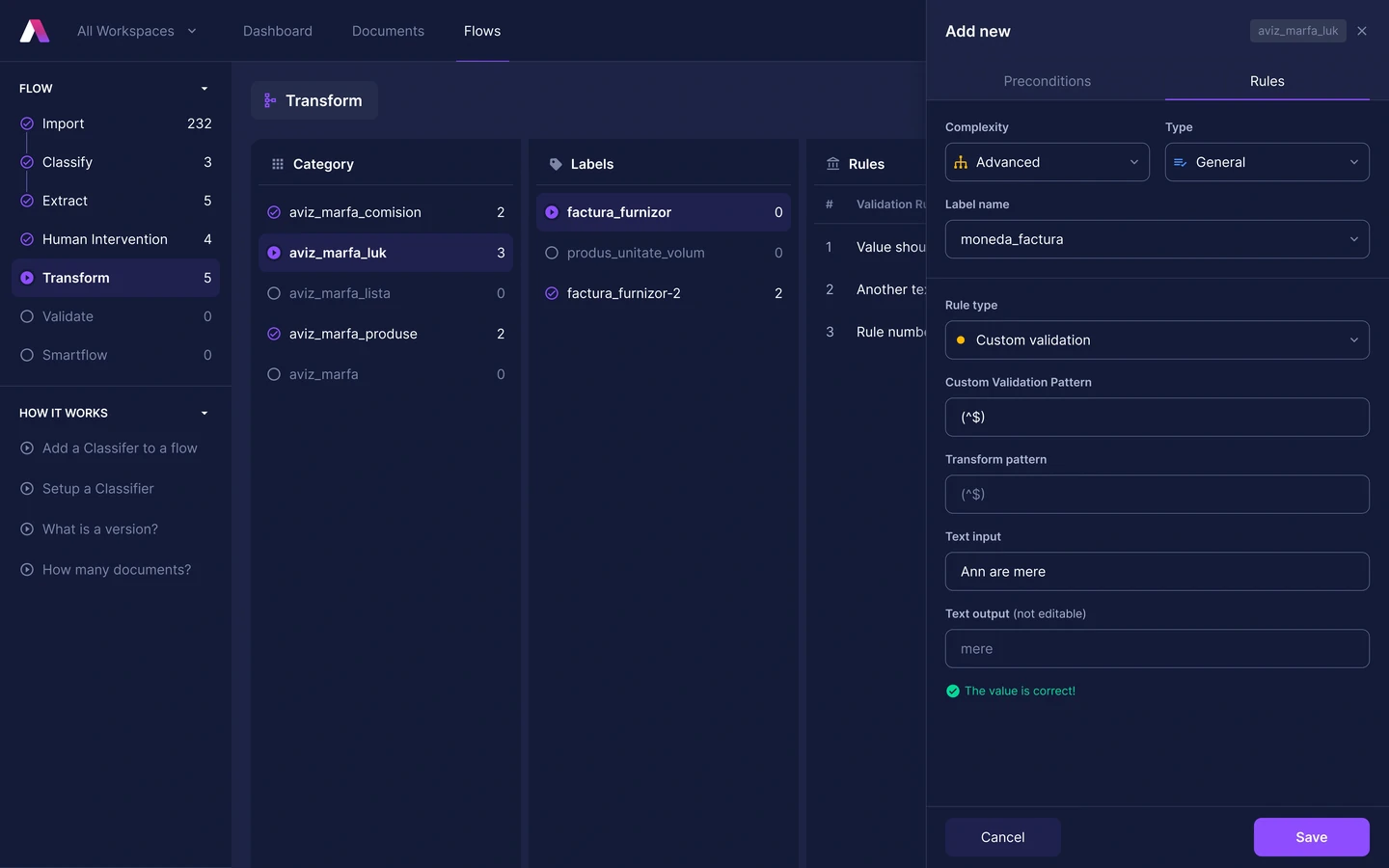
It has to be taught before it can run alone: people confirm what each field means, and every correction becomes a rule it reuses. Once the rules settle it reads in seconds, up to 99% accurate.
Both products run on one component library, so moving between them feels continuous rather than like two tools. It bought consistency with time: weeks on states and variables instead of features.
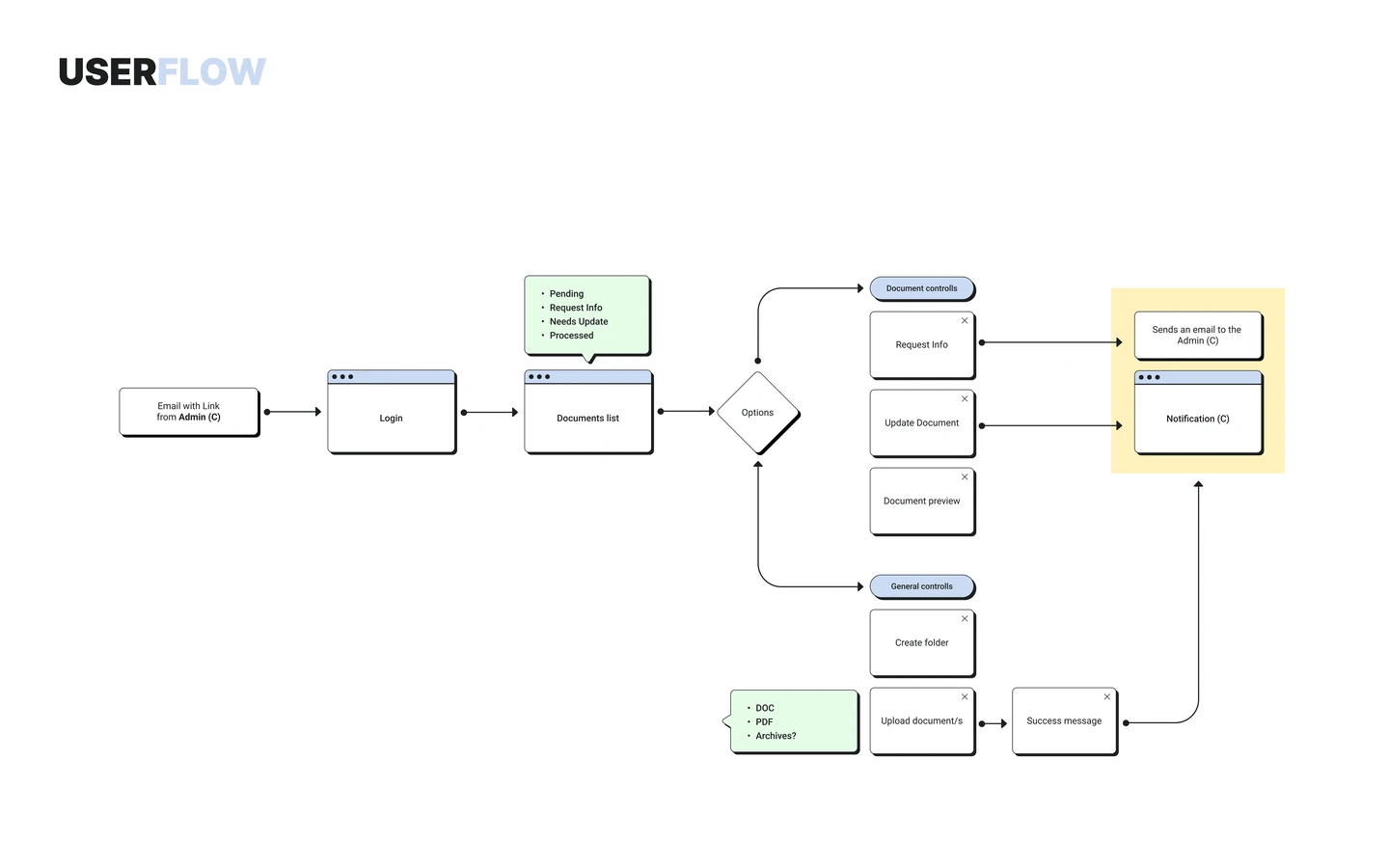
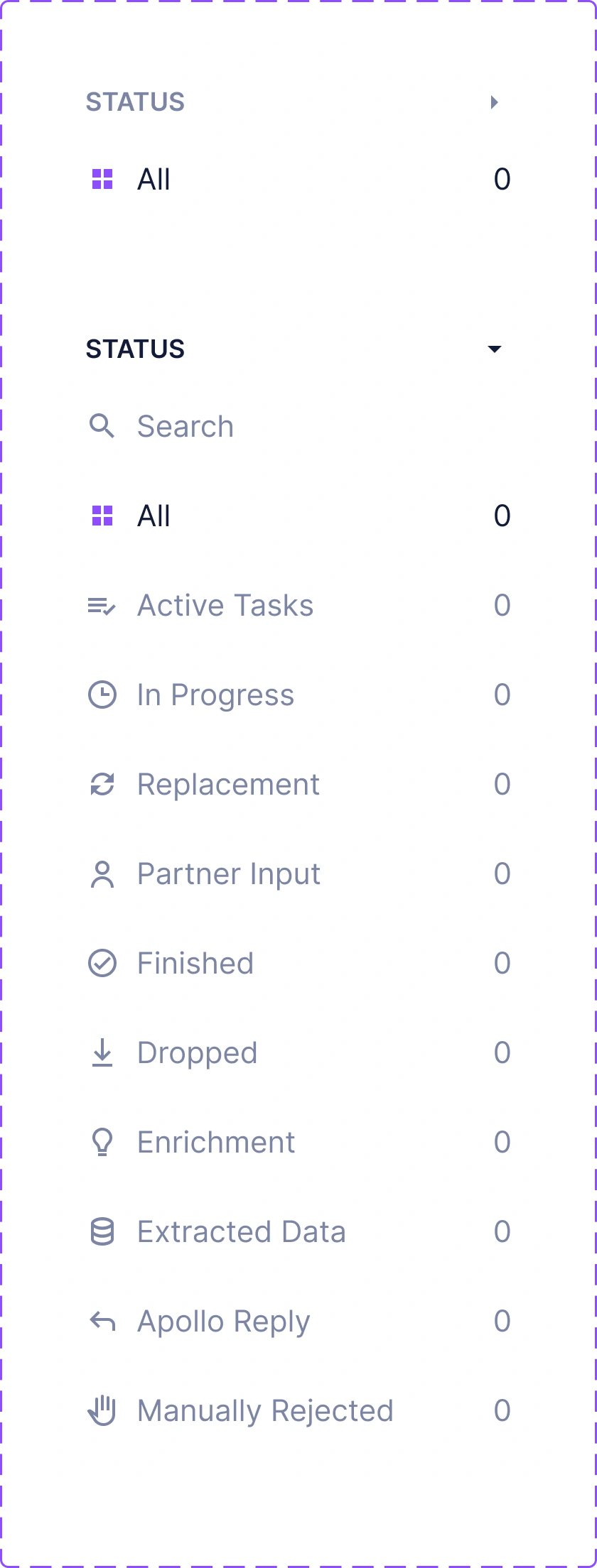
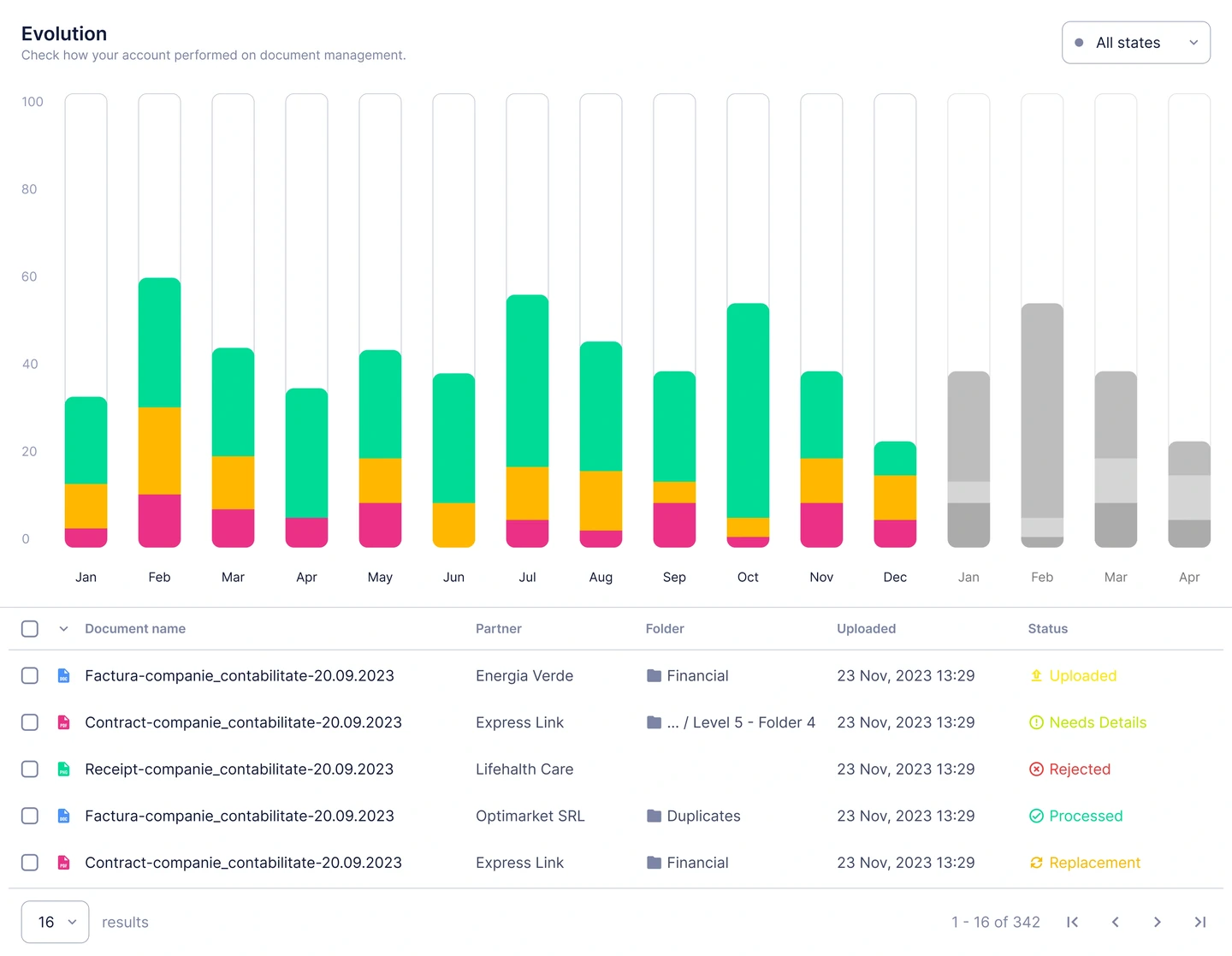
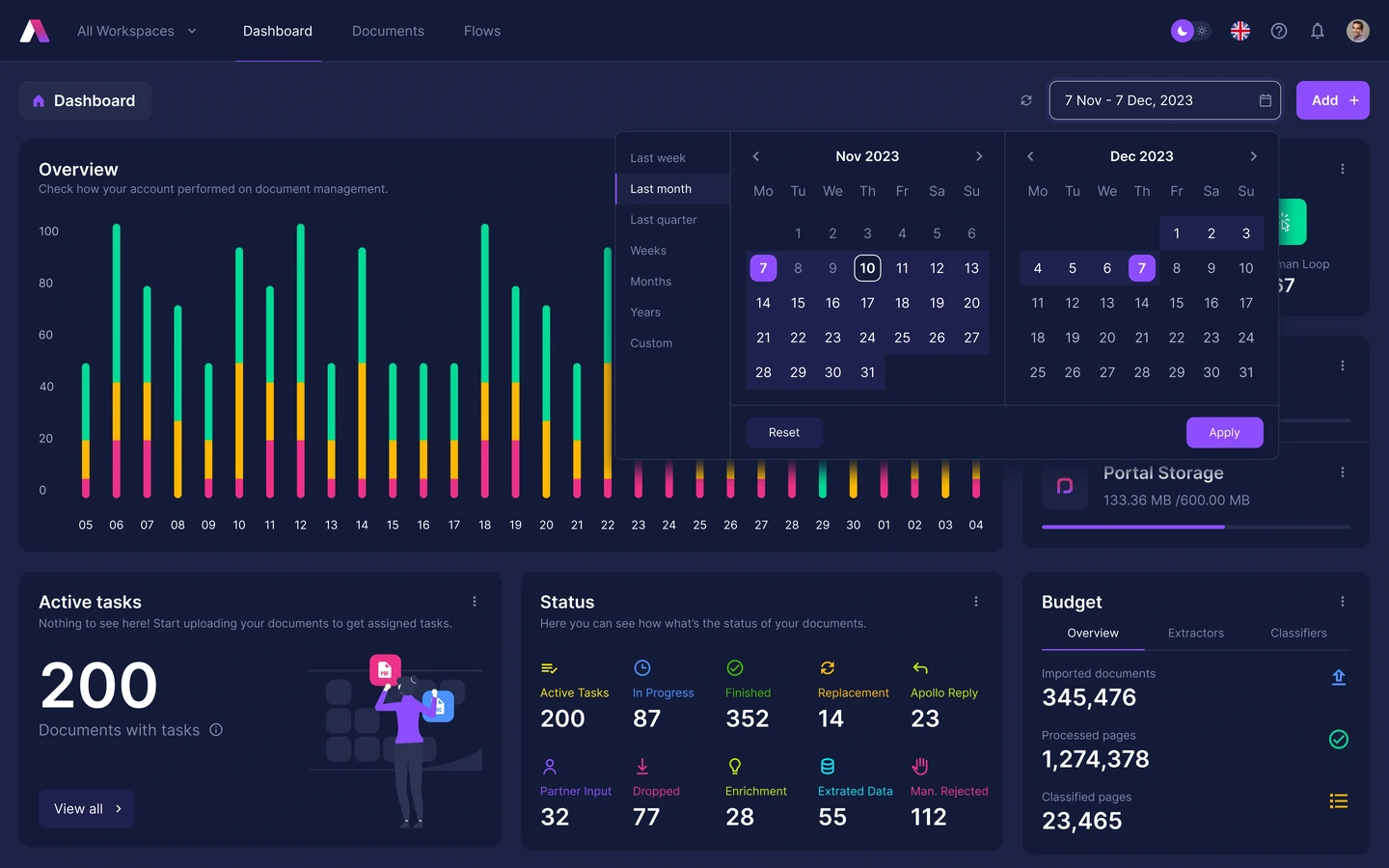
Grouped by category and stage, so anyone can see what is waiting, what is being read and what is done, without needing to learn the pipeline behind it. The detail stays one click from the surface.
Results
A document that took a person minutes takes Apollo seconds, at up to 99% accuracy once it has learned a client’s paperwork. It runs today for enterprises in transport, retail and logistics, among them KLG Europe, Auchan and Dumagas.
Accuracy and speed are Smartouch's published figures, measured after the engine has learned a client's document set rather than on day one. Client names come from their own published references.



Reflection
Useful AI automation makes its output easy to verify and its mistakes easy to correct.
Next, I would test a compact data-first view alongside the split document view. Frequent users may need quick checks on a few fields, while unfamiliar documents still benefit from a visible source.