On-brand
Every ad has to look like it came from the brand, without a designer checking each one.

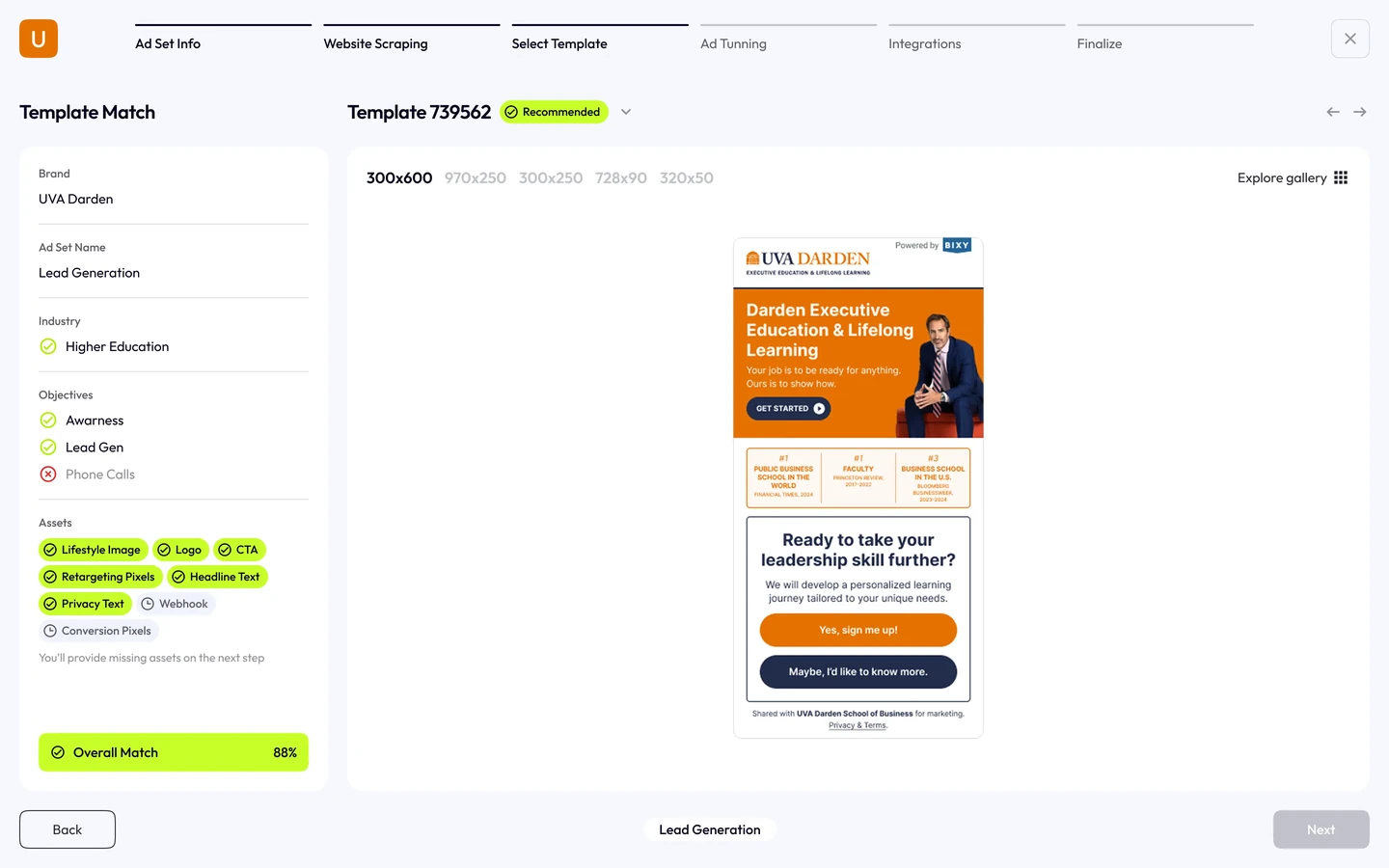
I designed bixy’s AI ad creator from initial flows to developer handoff. Brand extraction, guided setup and conversational editing help people generate consistent ads while keeping the output editable.

The challenge
Generating ads is only useful when the output fits the brand and people can refine it. The product needed a clear path from website assets to ad formats, previews and editing, without requiring design expertise.
Every ad has to look like it came from the brand, without a designer checking each one.
Many sizes, objectives and variations per brand, all of them shipping at once.
People need to steer the AI rather than fight it, or they stop using it.
Process
I used model responses to explore how people would guide, preview and refine generated ads, then translated those interactions into a consistent UI.
Explored product structures and tested early ad copy with Claude. Real outputs helped define what the generation and editing flow needed to support.
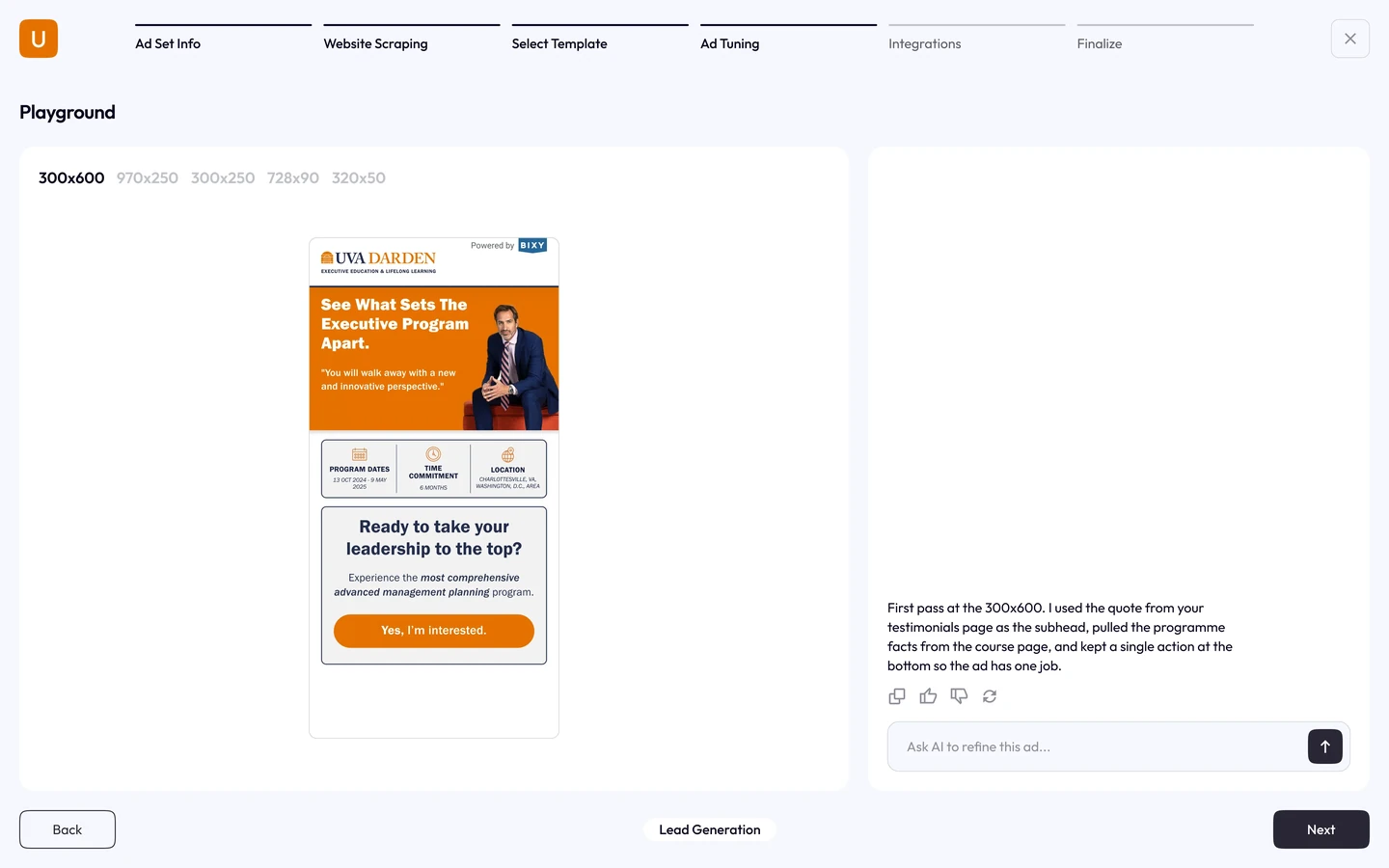
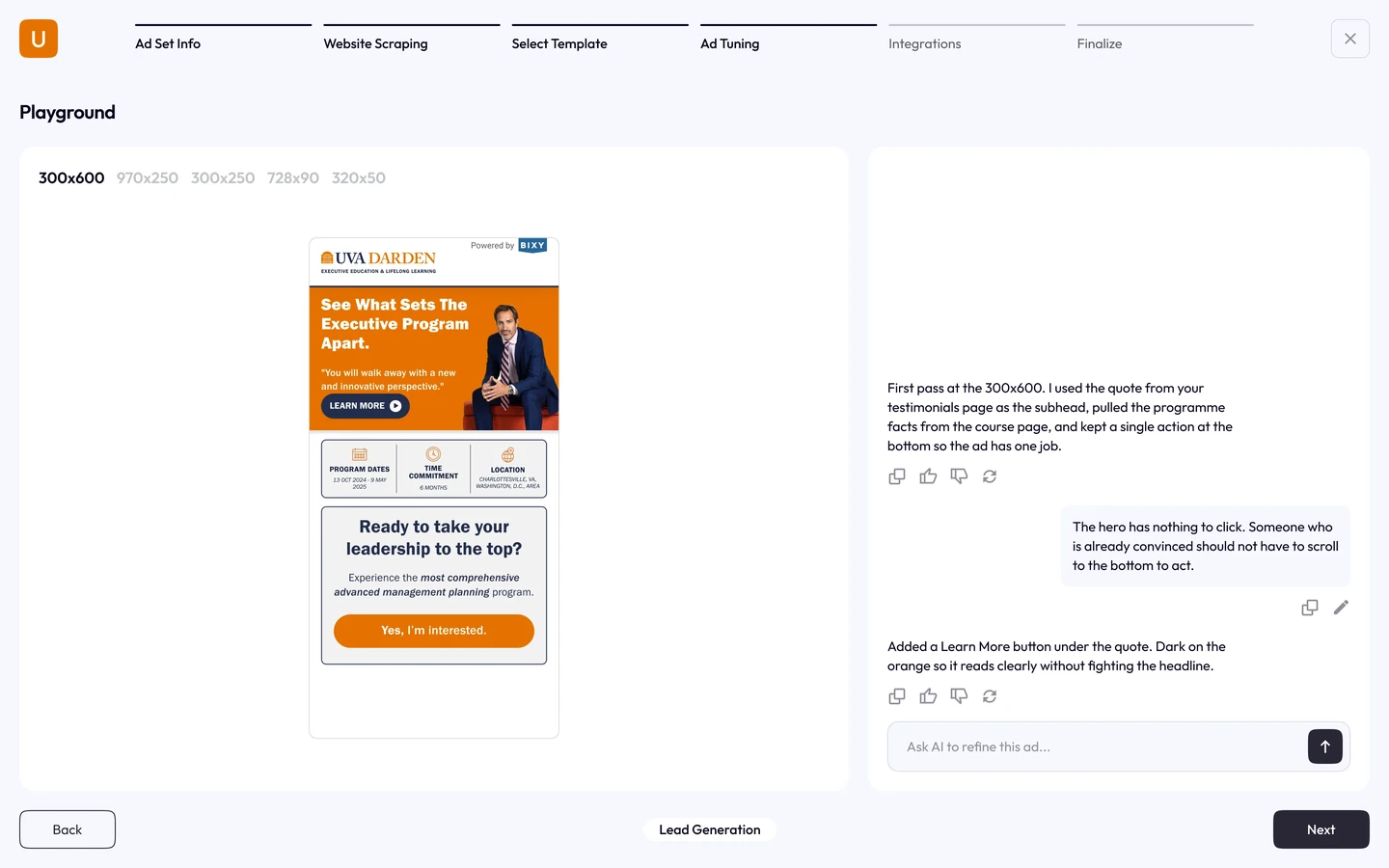
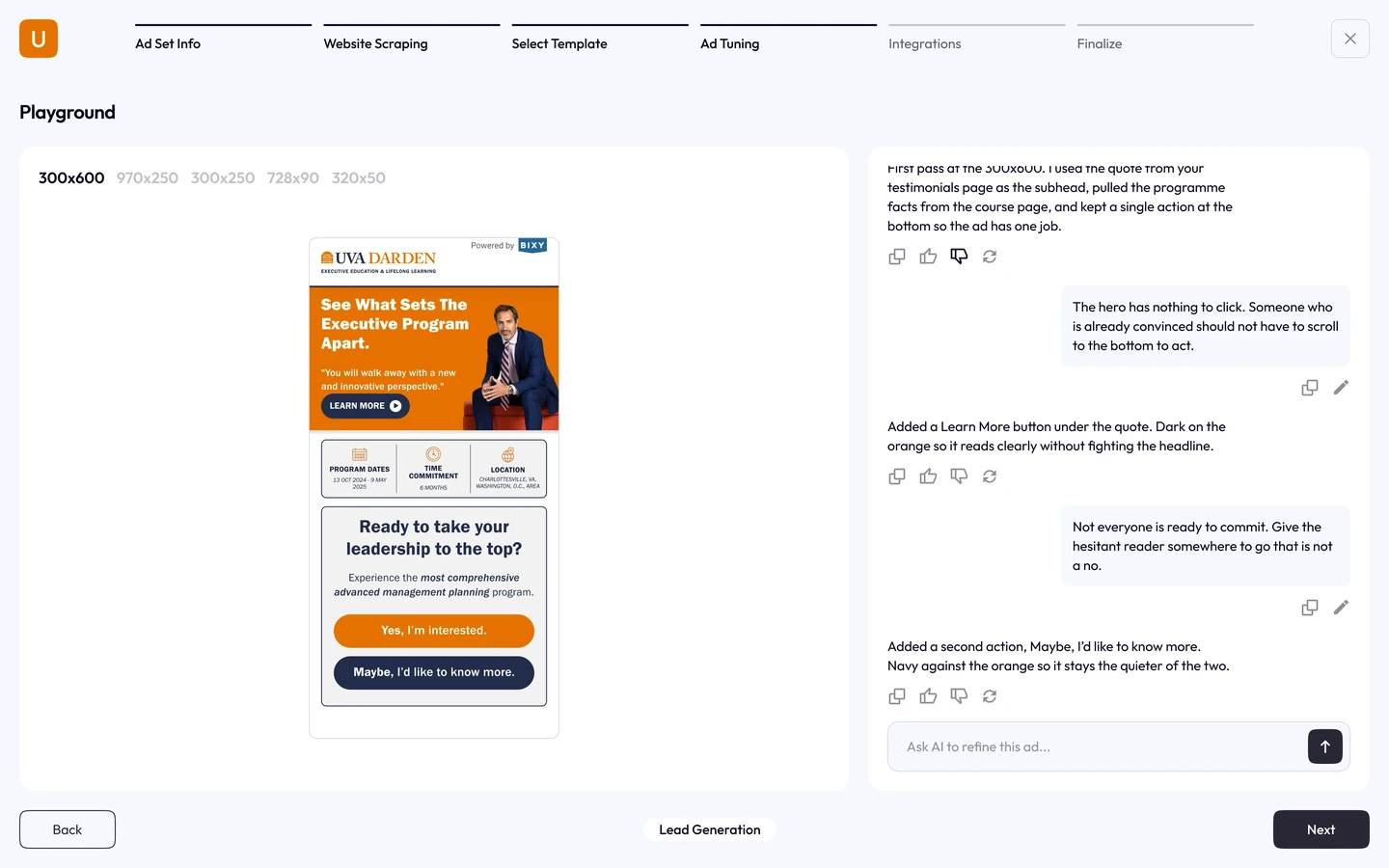
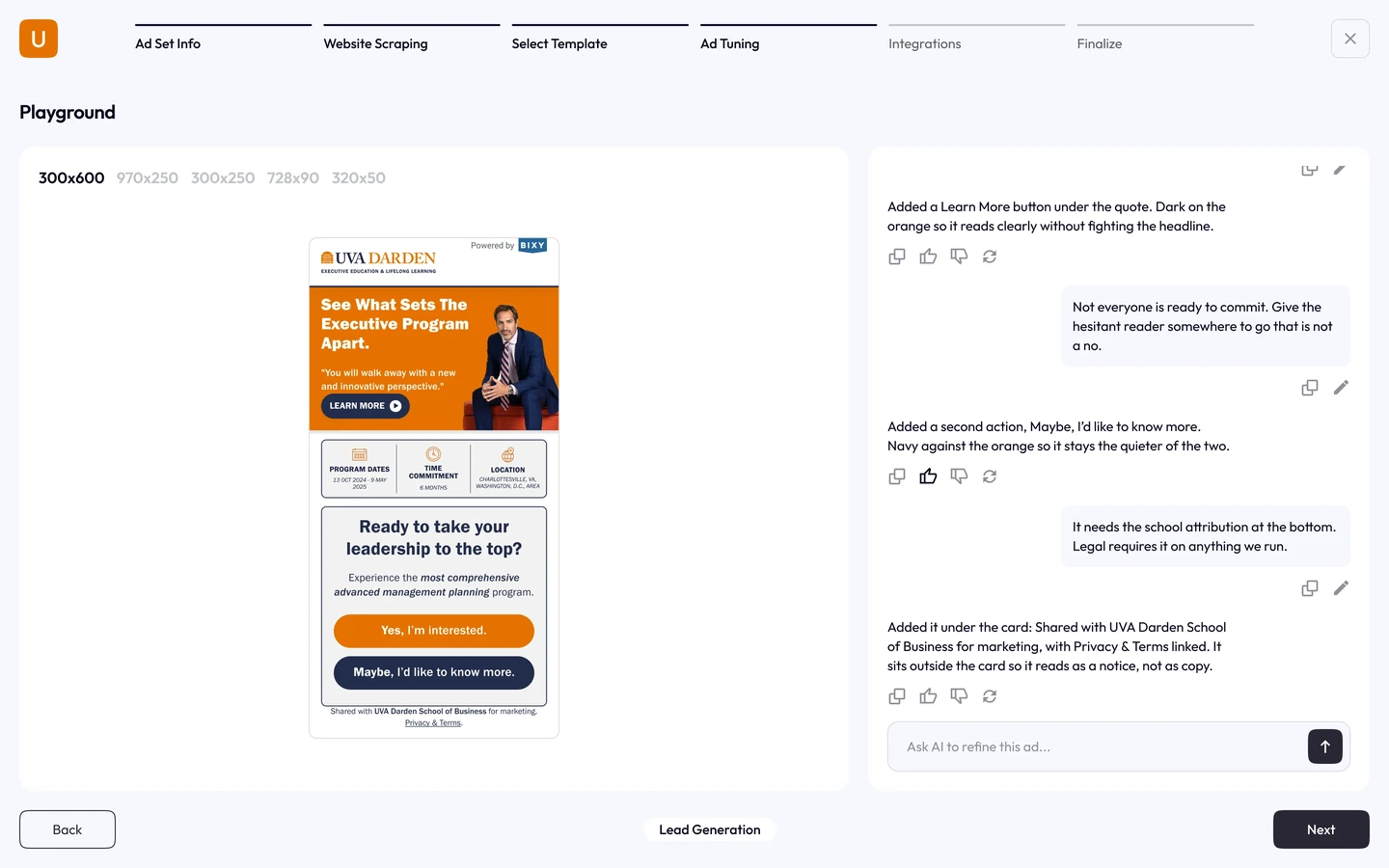
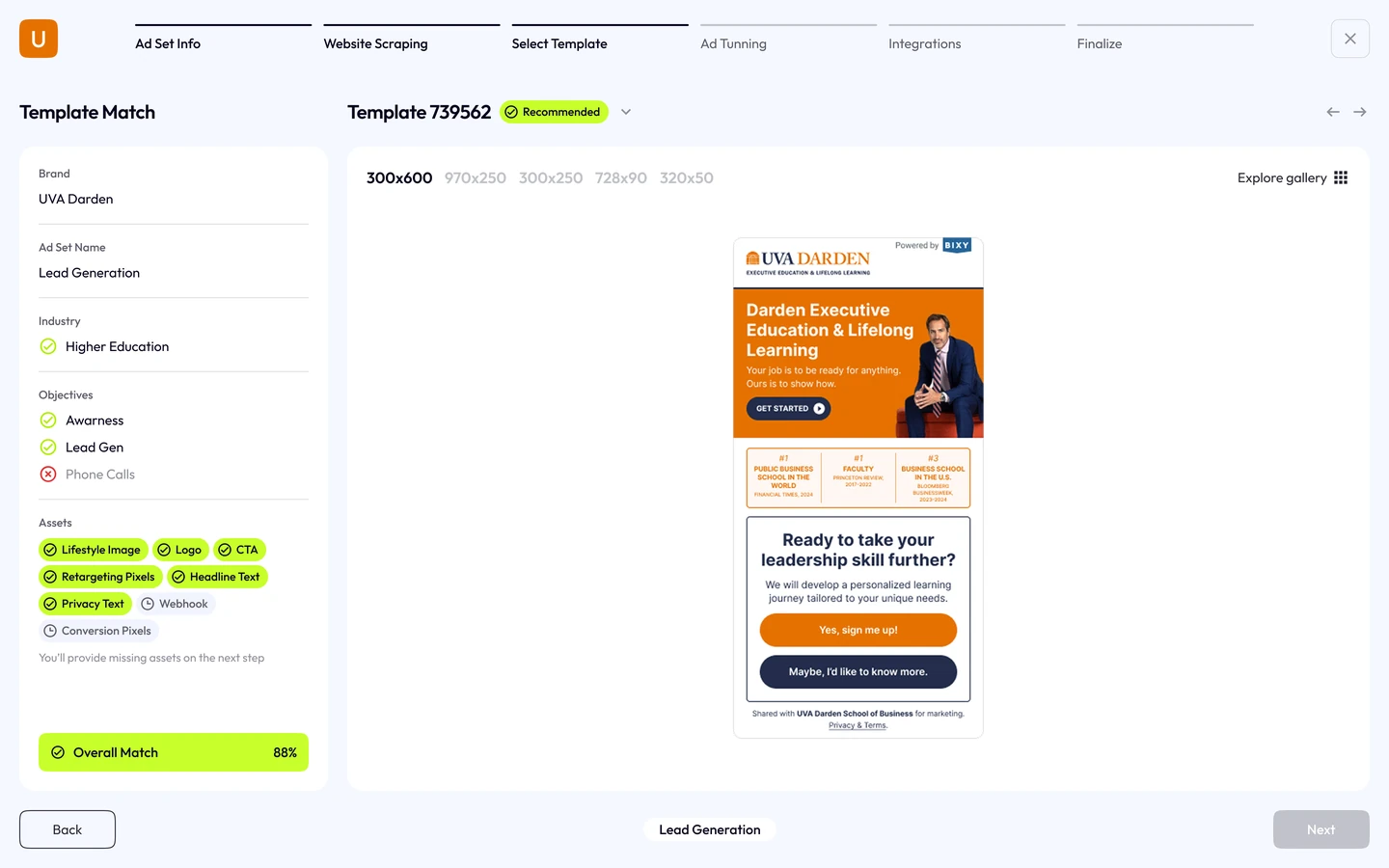
Prototyped the six-step flow and tuning conversation against Claude responses. Keeping the preview beside the conversation made the effect of each change visible.
Mapped components to shadcn/ui across the wizard, dashboard and ad units. The shared system gave developers a consistent foundation for each format and state.
Documented components, ad formats and interaction states in Figma. Developer handoff and build reviews kept the intended editing experience connected to implementation.
Key decisions
I owned product design from early variations and wireframes to the system and developer handoff. The key decisions connect generation with user control: editable brand inputs, guided steps and previews of each change.
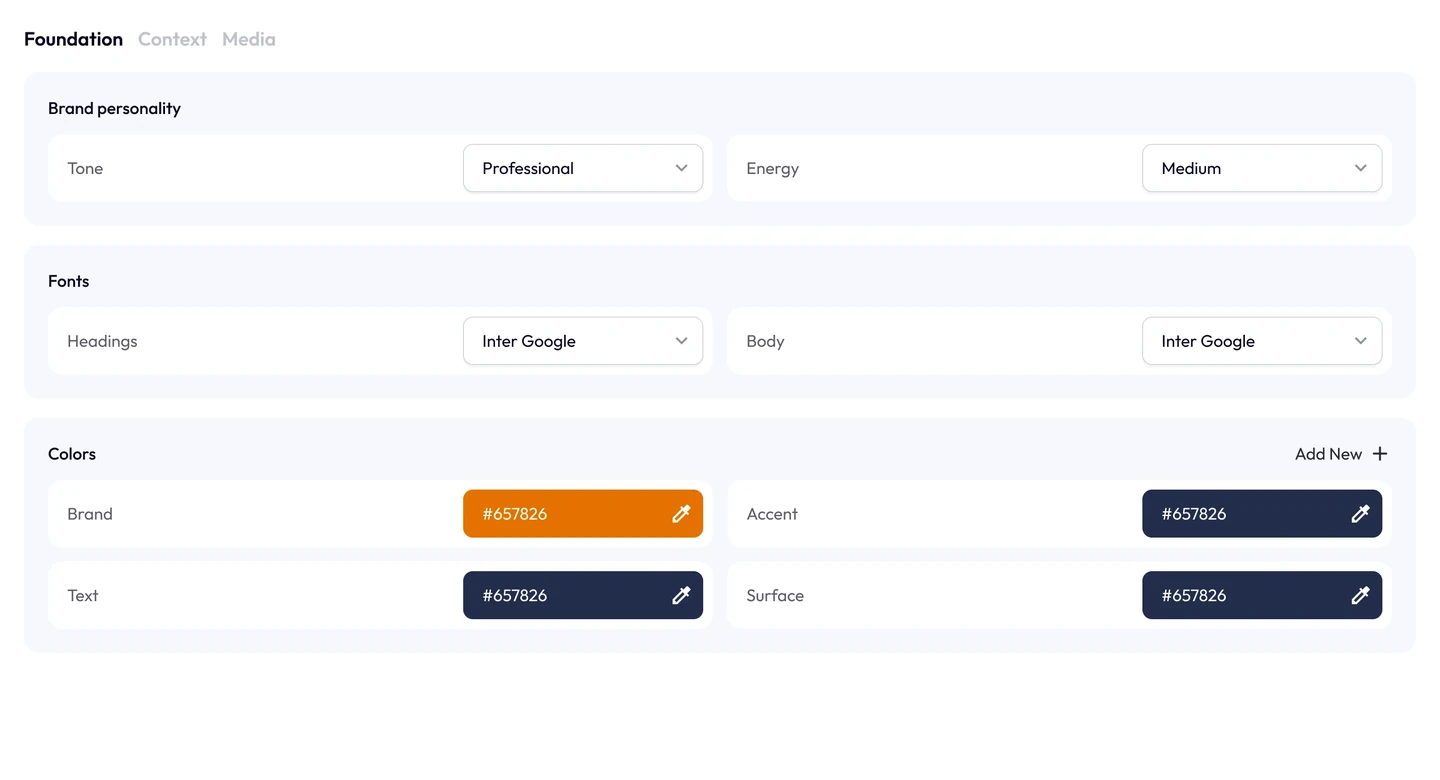
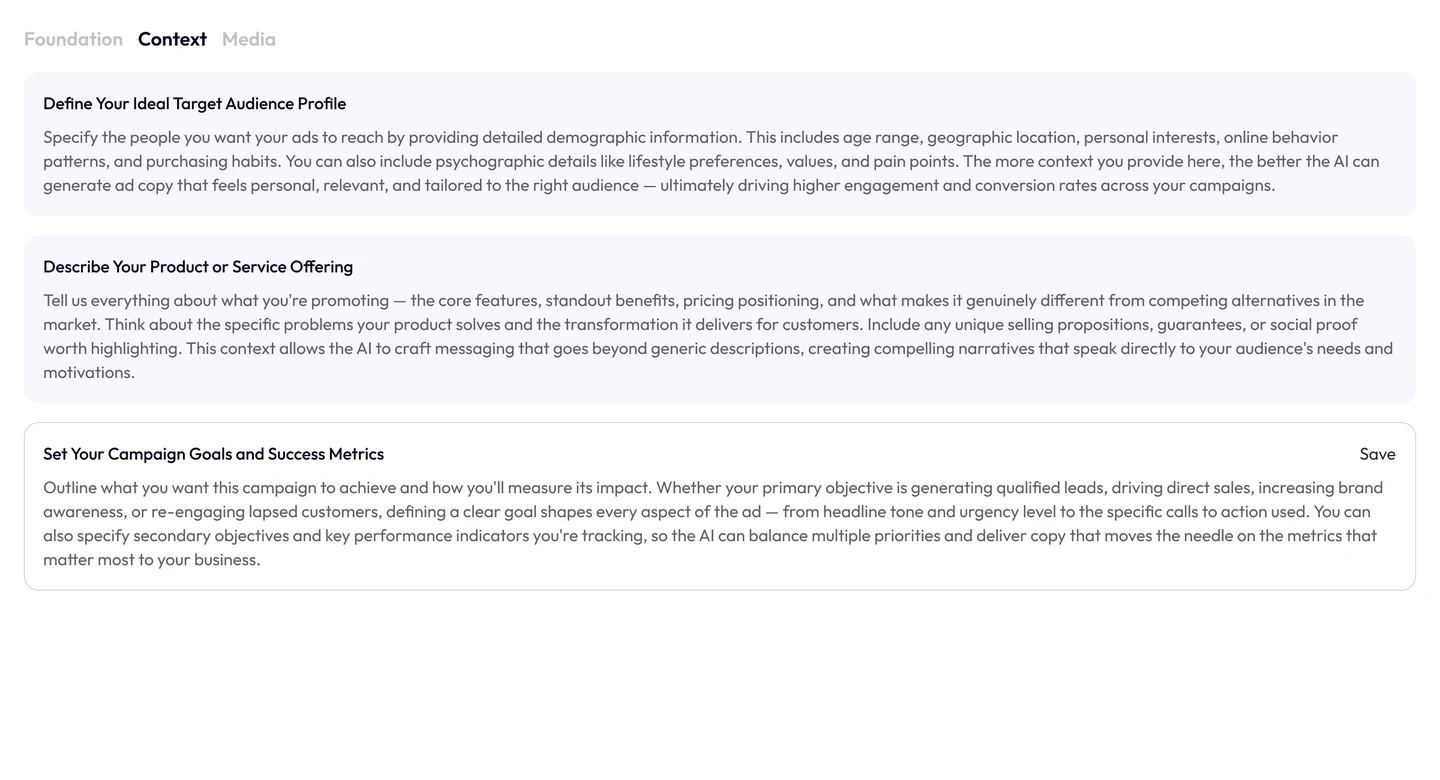
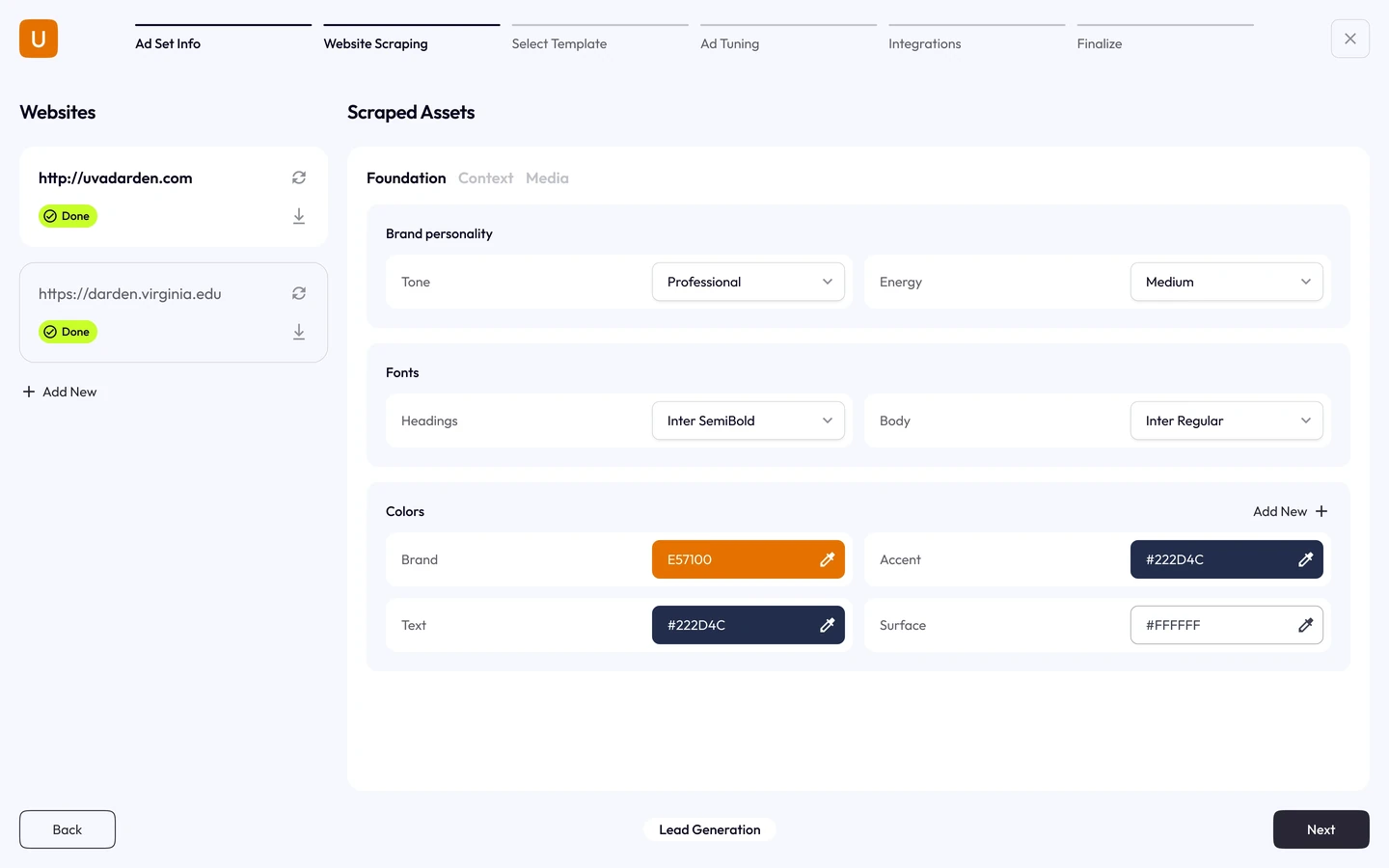
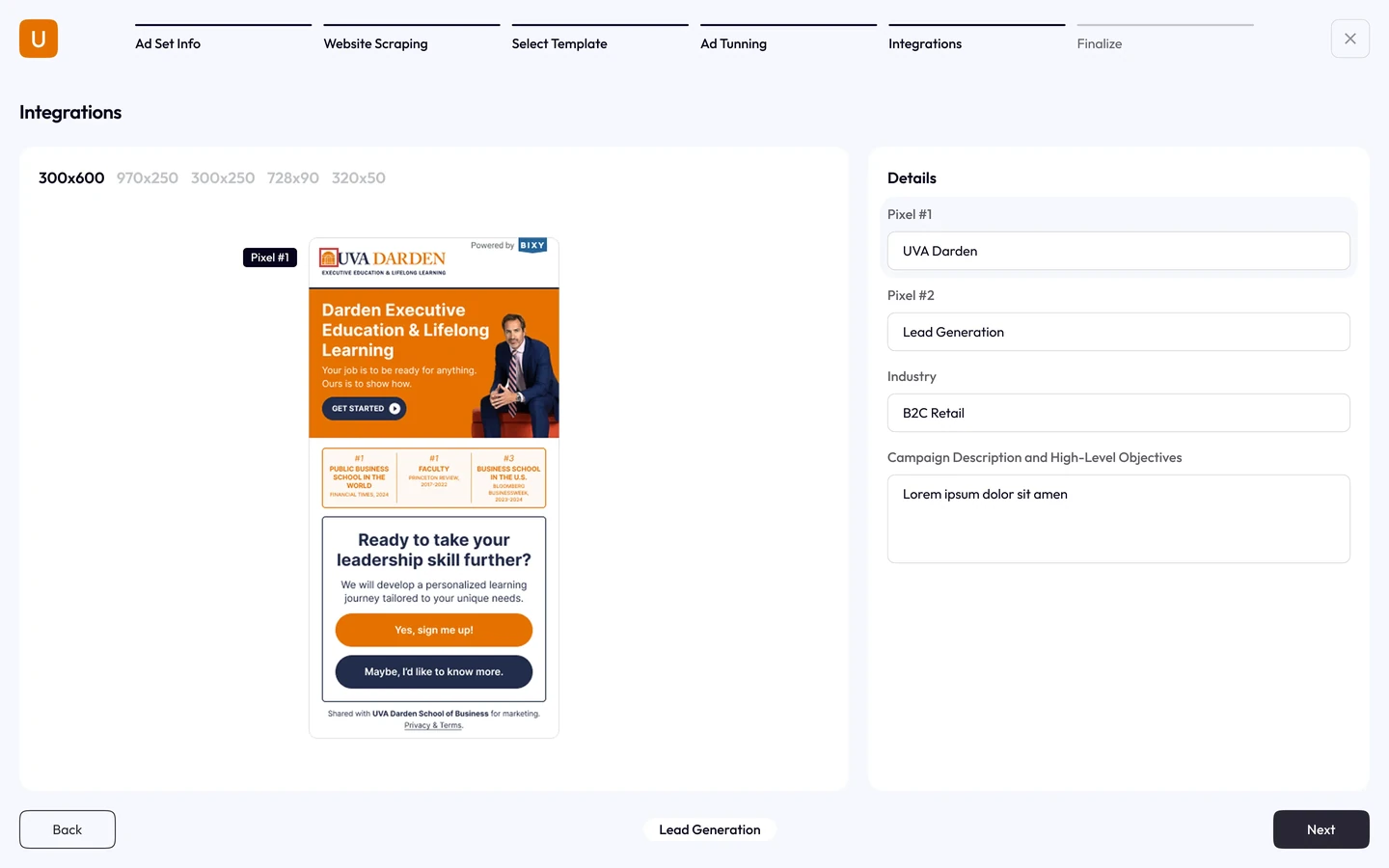
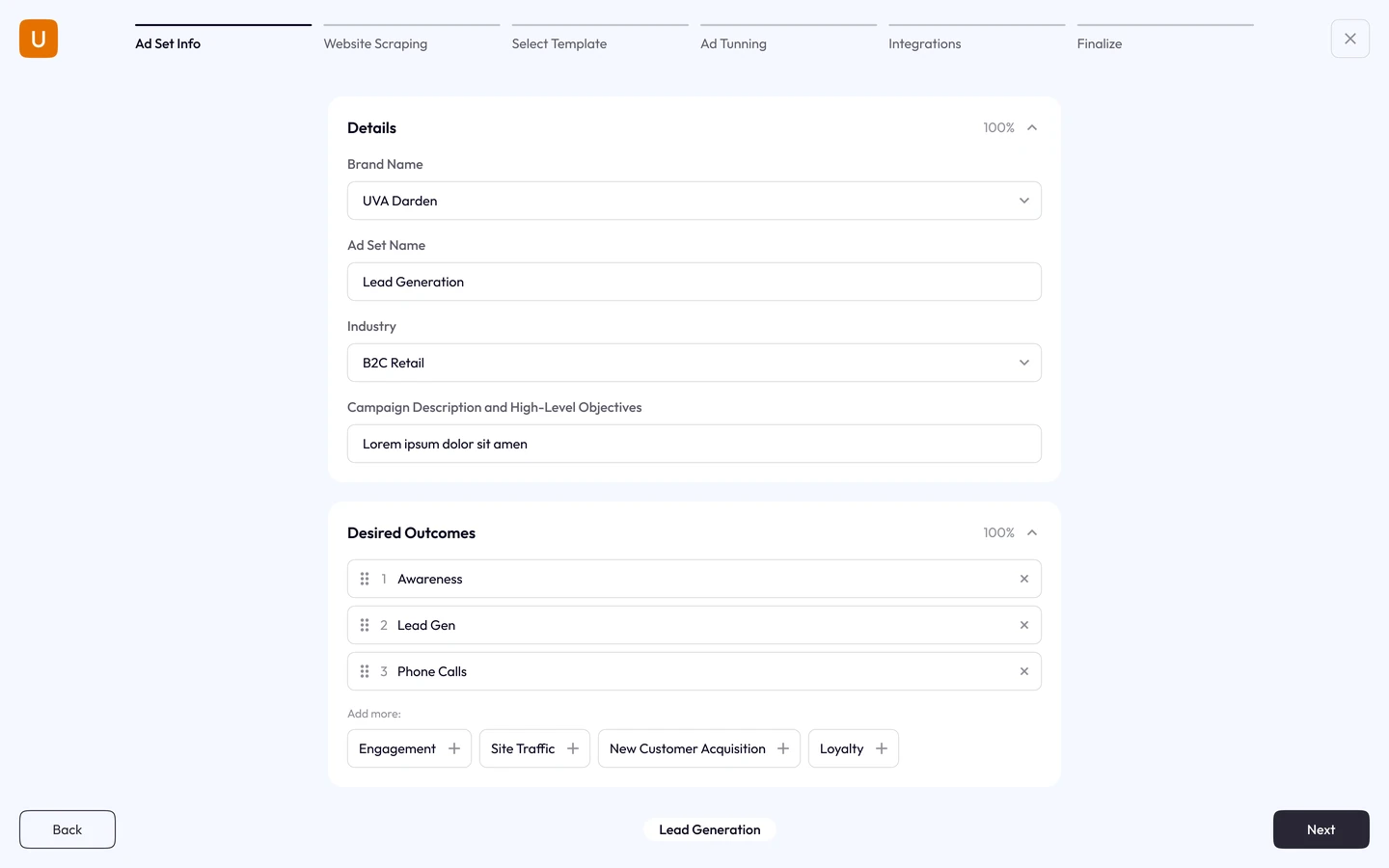
The tool extracts a brand’s assets, tone, fonts and colours from its website. Those inputs remain editable so users can correct incomplete or outdated source material before generating ads.
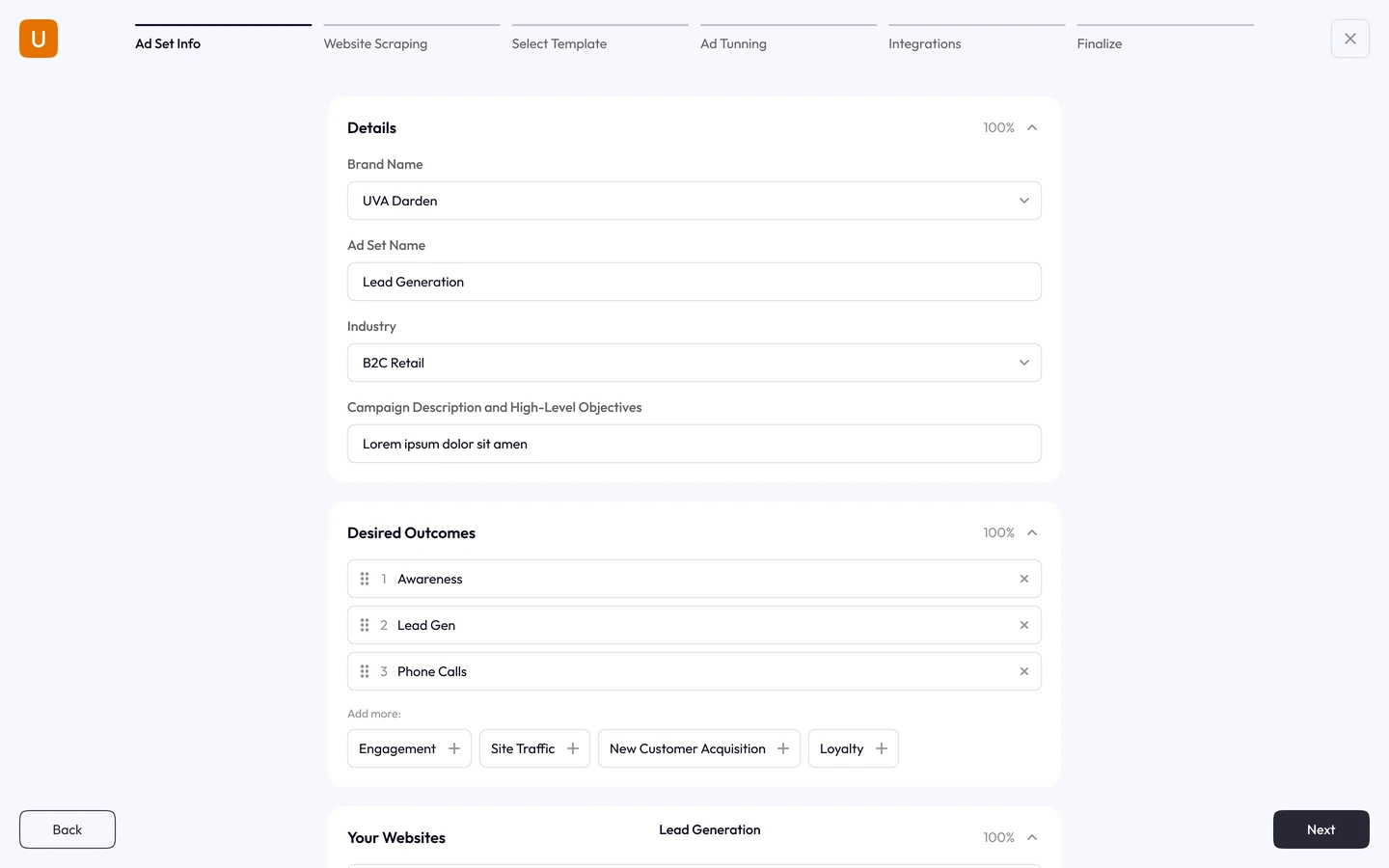
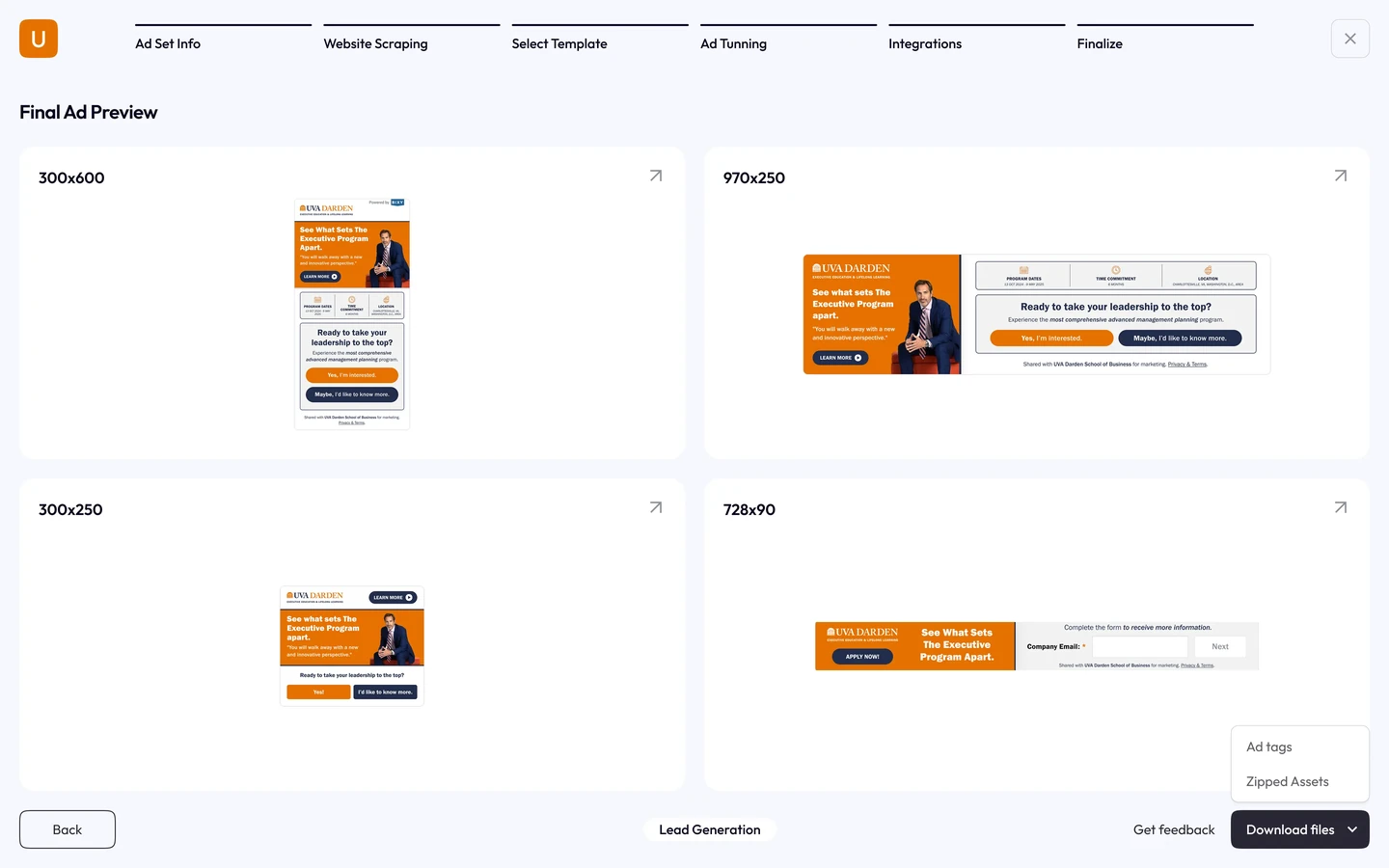
Six clear steps, ad set through scraping through template through tuning through integrations through finalize, so non-designers ship with confidence. A fixed order is slower for the person who only wanted to change one line.
Refine the AI's copy by chat, like, dislike, regenerate, with a live preview across every ad size. Conversation is forgiving to learn and imprecise to aim, so the preview had to answer instantly.
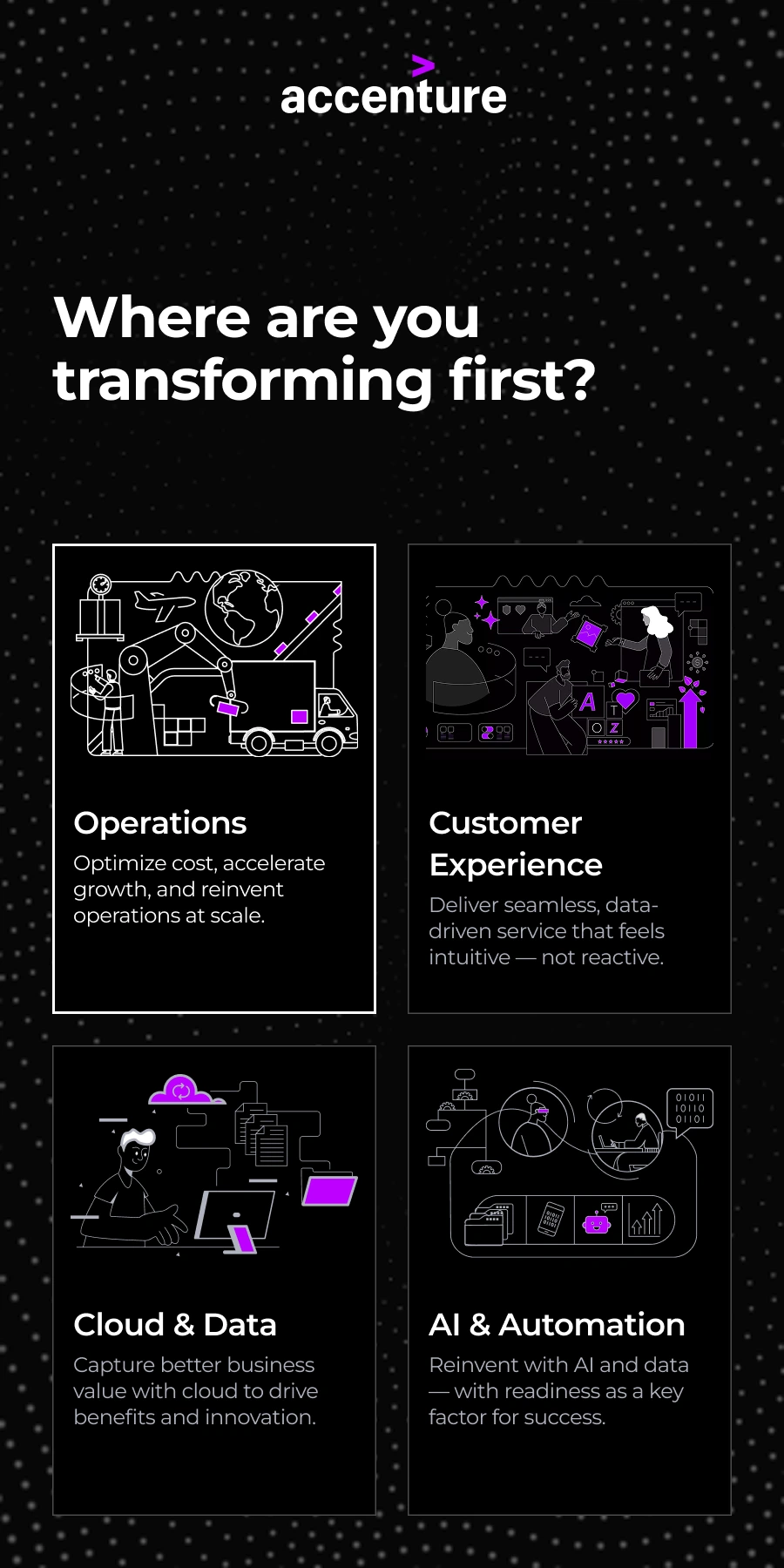
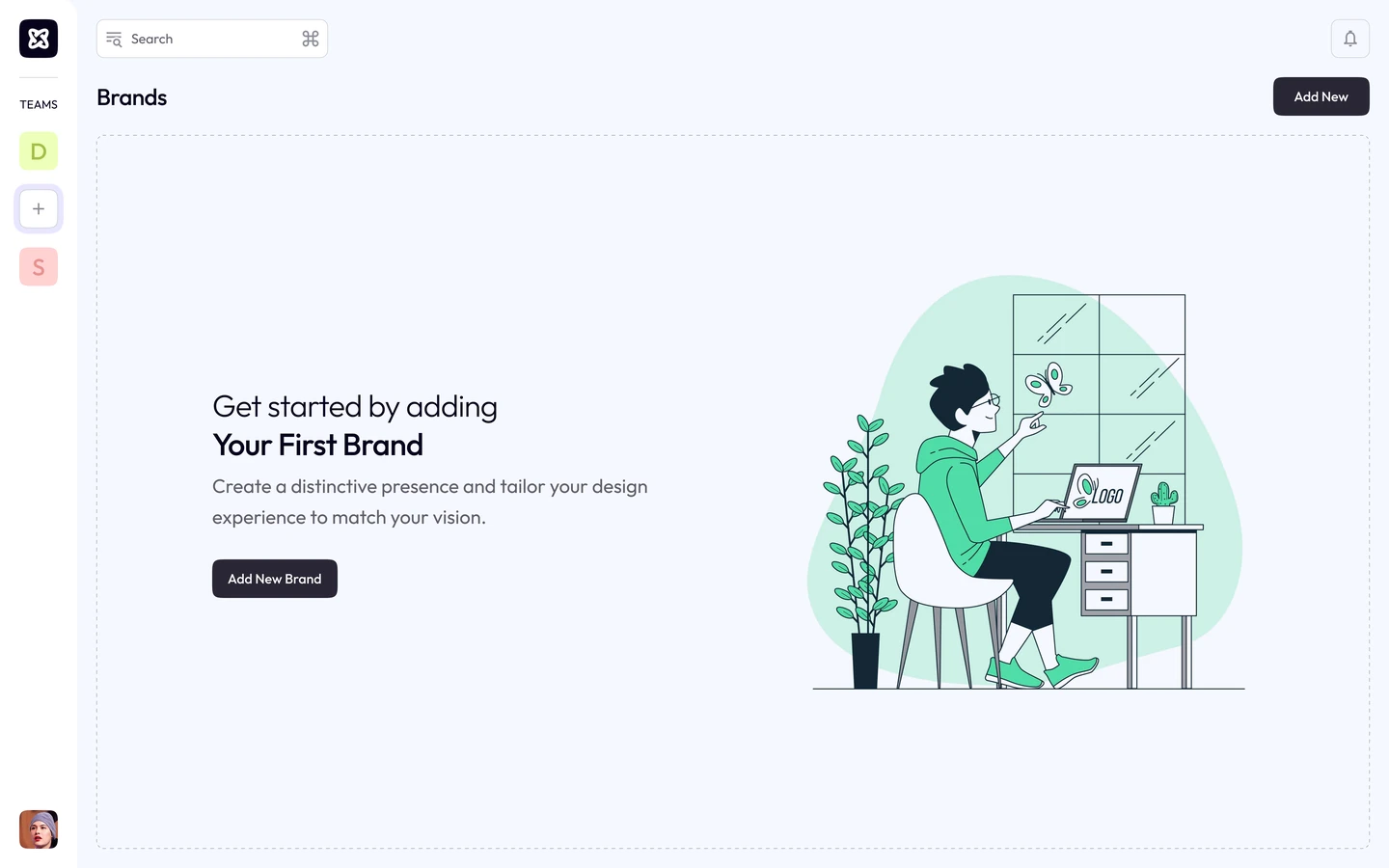
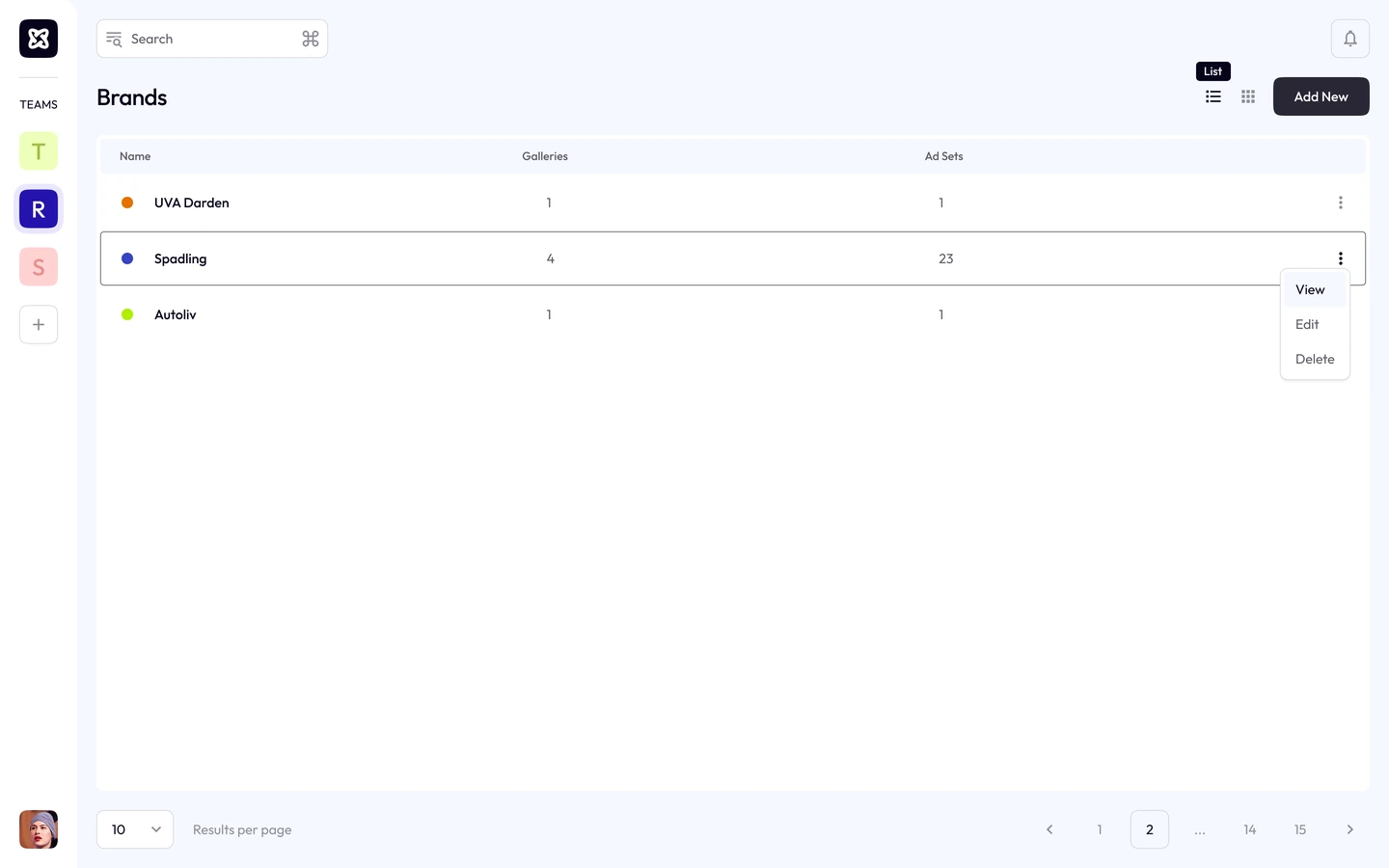
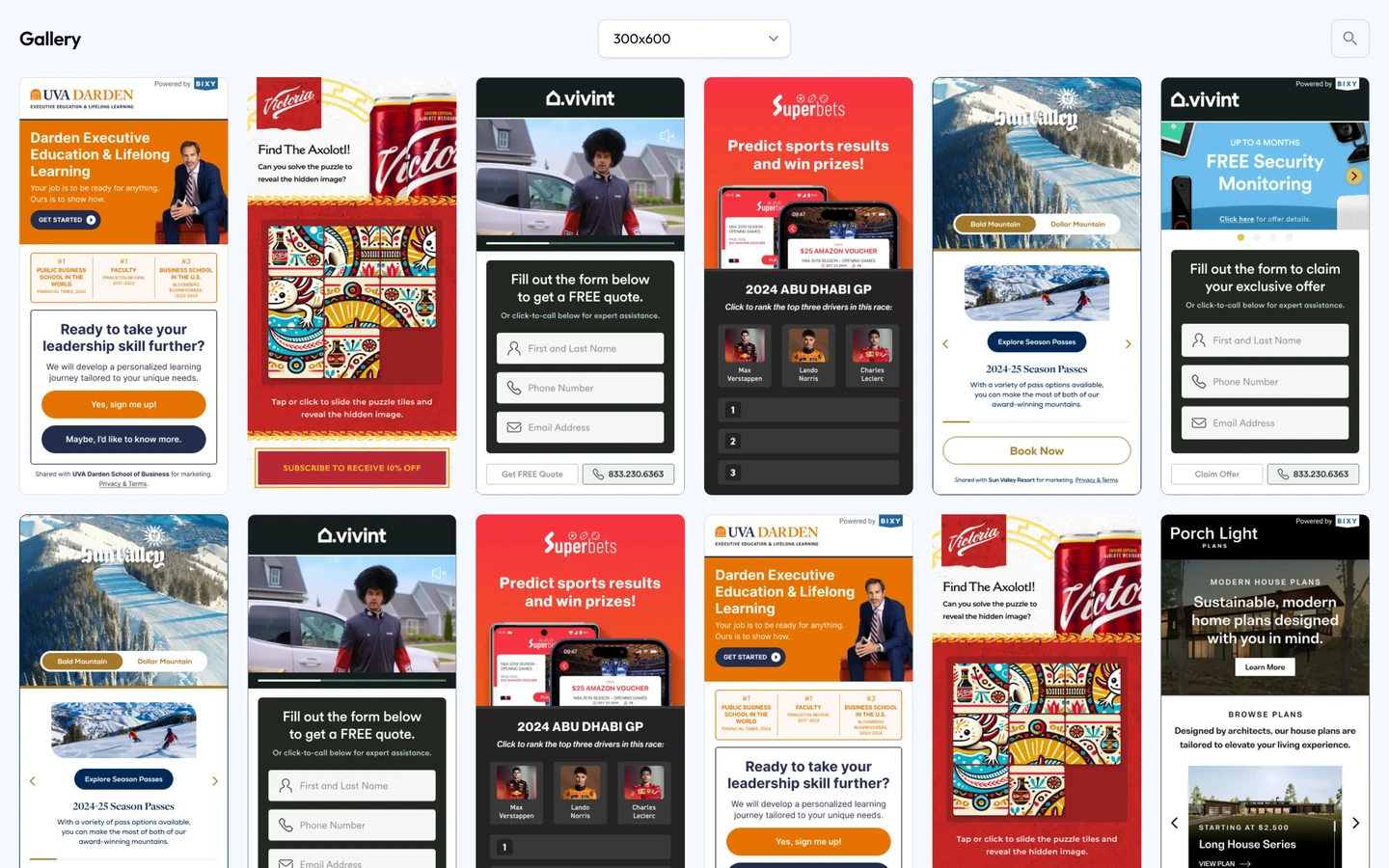
The system spans the wizard, the dashboard and the ad units, which are interactive micro-sites in every size, so a hundred generated ads still feel like one brand.
Results
bixy is under construction. The screens here are visual designs through to developer handoff, and the numbers describe designed scope rather than usage.
Format and flow counts come from the design scope. Volume and time-saved figures will follow once the tool ships.



Reflection
Generated output becomes useful when people can understand it, steer it and make precise changes.
Next, I would test direct editing alongside conversational tuning. Chat supports exploration; a focused editing control may be faster when a user already knows the change they want.